


Quick Answer: To create a QR code for a PDF, log in to La.Bio and click 'Create QR'. Under the 'Dynamic QR' section, select the 'File' option. Upload your PDF document, customize the design, and click 'Generate QR'. Your file is now instantly accessible via scan.
Have you ever wanted to share a menu, a brochure, or a user manual instantly without printing paper? It sounds like a simple digital solution, but for many users, it creates an unexpected headache.
The Problem: Most popular QR code generators ask for a expensive monthly subscription just to host a PDF file directly behind a scan. Even worse, some "free" trials will actually turn your code off after a specific number of scans, demanding payment to keep your document accessible.
The Solution: Enter [La.Bio]. We believe essential digital tools should be accessible to everyone. Unlike our competitors, we offer Dynamic QR Codes for files with unlimited scans—completely for free. Whether you are a restaurant owner or a corporate trainer, you can upload your PDF and start sharing it immediately without reaching for your credit card.
Why Use a Dynamic QR Code for PDFs?

Understanding the difference between Static and Dynamic QR codes is crucial for your workflow. A standard Static QR code simply encodes fixed text or a permanent URL directly into the pattern. Once you create it, it is set in stone.
However, a Dynamic QR Code works differently. Instead of encoding the file itself, it acts as a gateway that points to a file hosted on our secure servers. Because [La.Bio] provides this hosting for free, you gain significant flexibility that static codes cannot offer.
The most powerful benefit of using a Dynamic QR code for files is editability.
Imagine you have printed 500 brochures or placed QR stickers on every table in your restaurant. A week later, you need to change a price on the menu or update a paragraph in the brochure.
With a Static Code: You would have to throw away all your printed materials and pay to reprint everything with a new code.
With a [La.Bio] Dynamic Code: You simply log in to your dashboard and replace the old PDF with the new version. The physical QR code pattern remains exactly the same, but the content scans to the updated file instantly.
This feature saves you time, money on printing costs, and ensures your audience always sees the most current version of your document.
Step-by-Step: How to Convert a PDF to QR Code with [La.Bio]
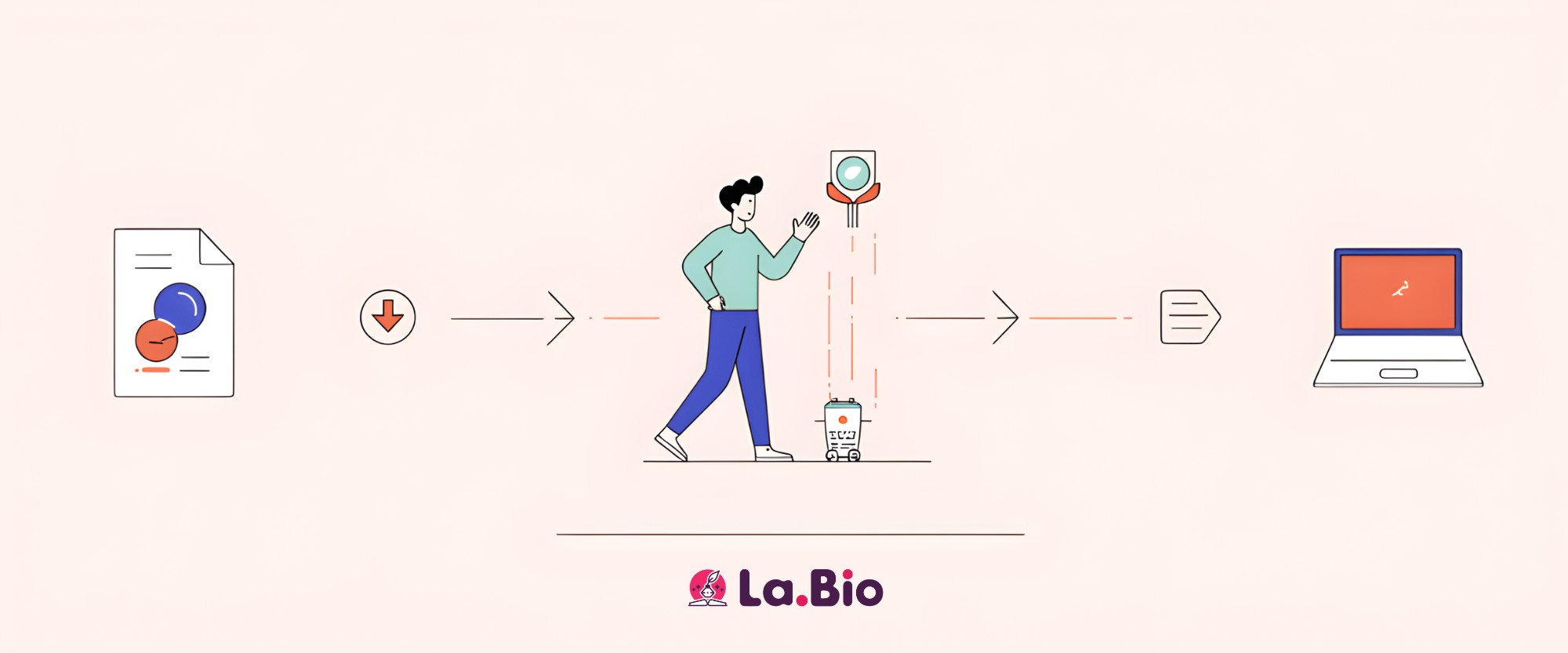
Creating a free PDF QR code on our platform is intuitive and fast. Follow this tutorial to turn your document into a scannable digital asset in under two minutes.
Step 1: Start the Process
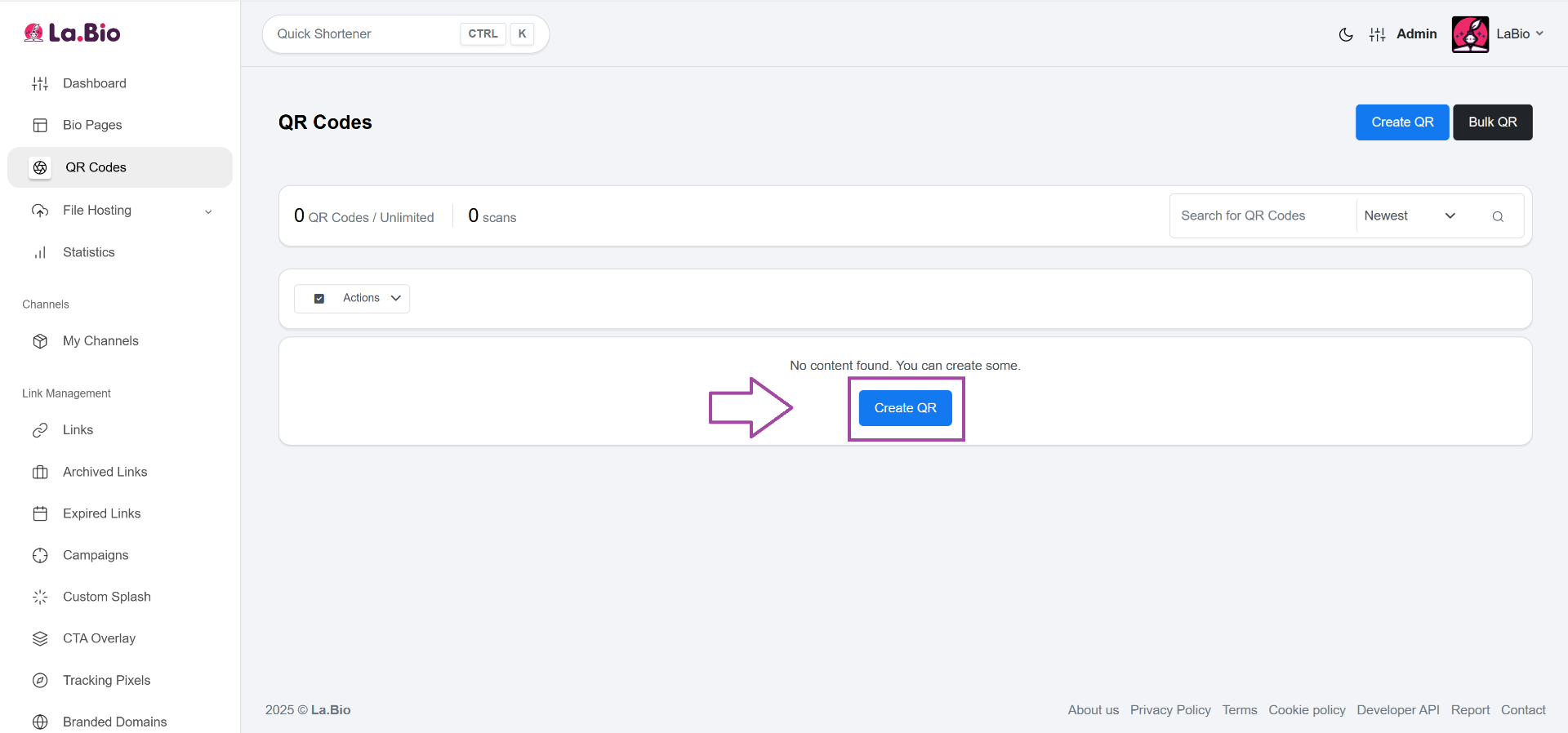
Log in to your [La.Bio] dashboard. Once you are inside, locate and click the "Create QR" button to begin the creation wizard.
Step 2: Name Your Project
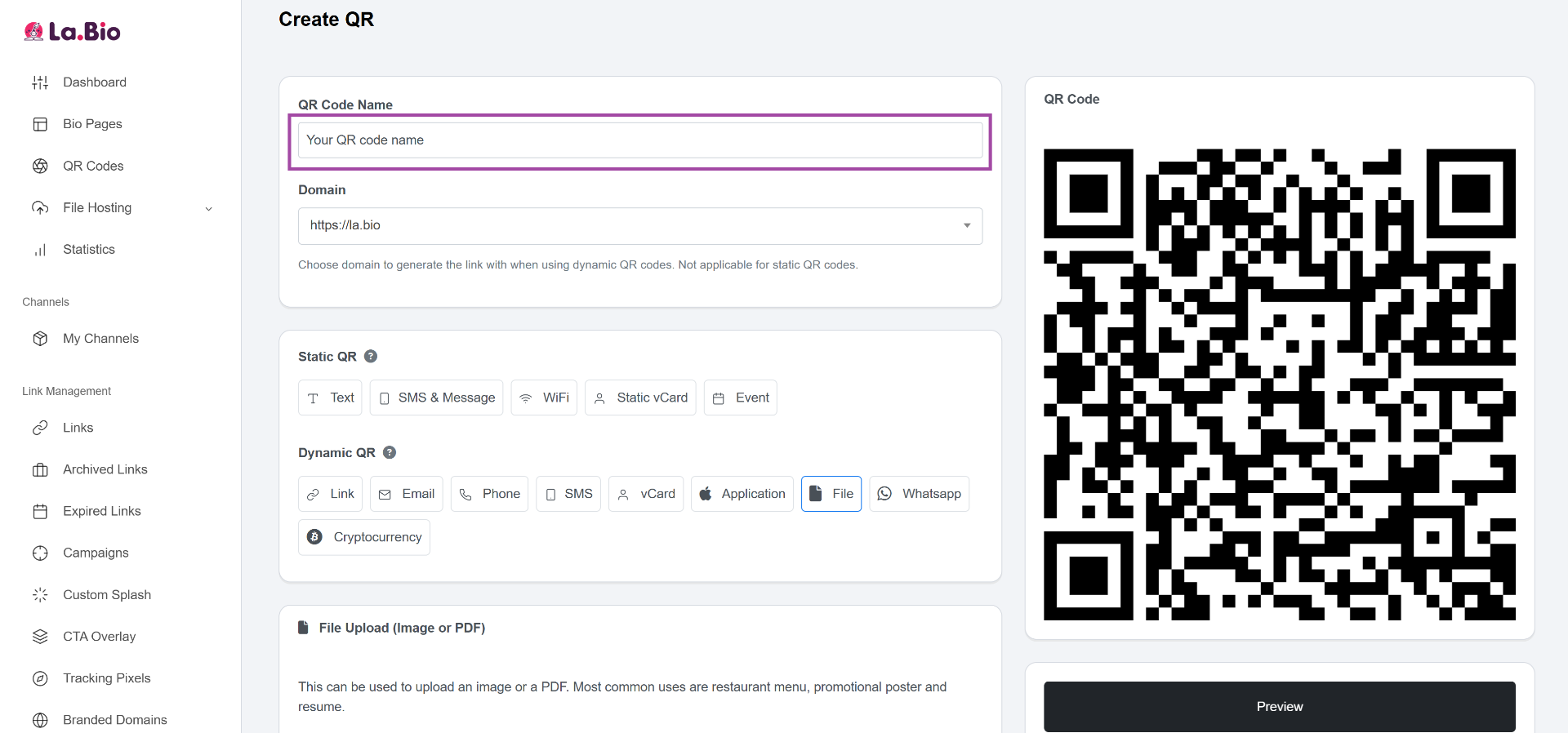
Keep your workspace organized by assigning a clear name to your project. Give your QR code a name that you will recognize later, such as "Summer Menu 2025" or "Product Brochure v2".
Step 3: Choose the File Type
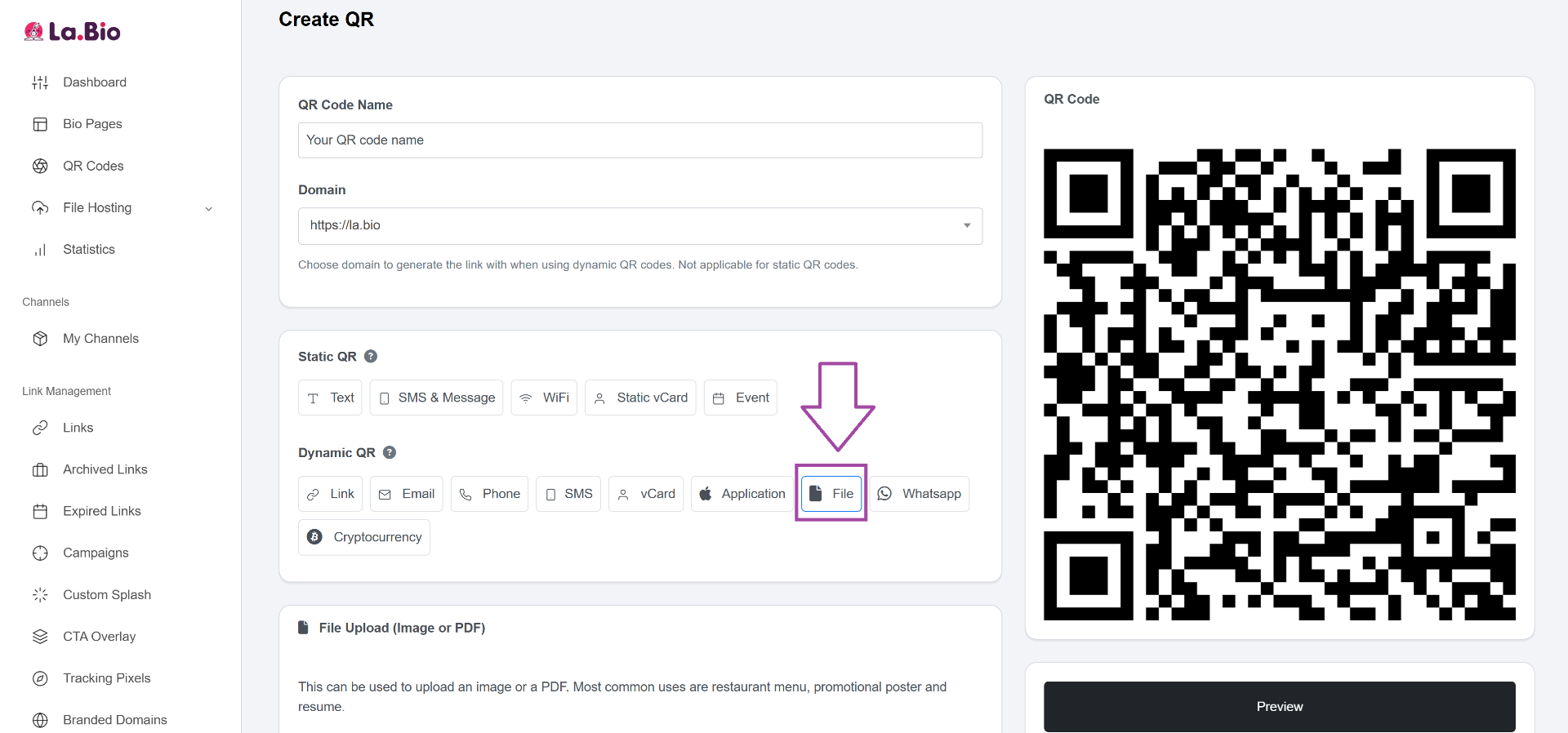
This is the most important step. Navigate to the "Dynamic QR" section of the menu. Look for and select the "File" icon/option. This ensures your QR code features
Step 4: Upload Your PDF
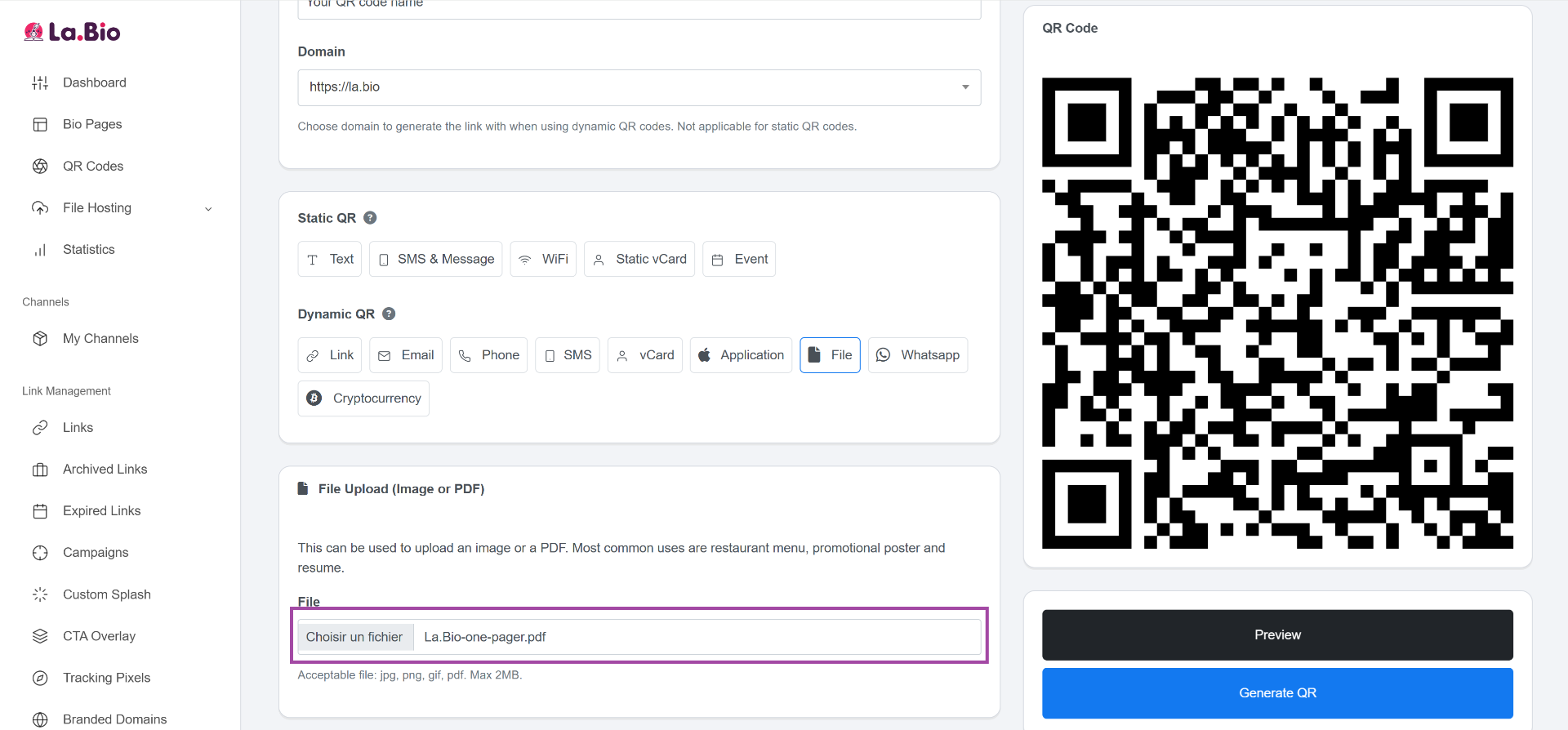
Click the upload area to select the PDF document from your device. Our system will securely upload and host your file for free.
Step 5: Customize the Look
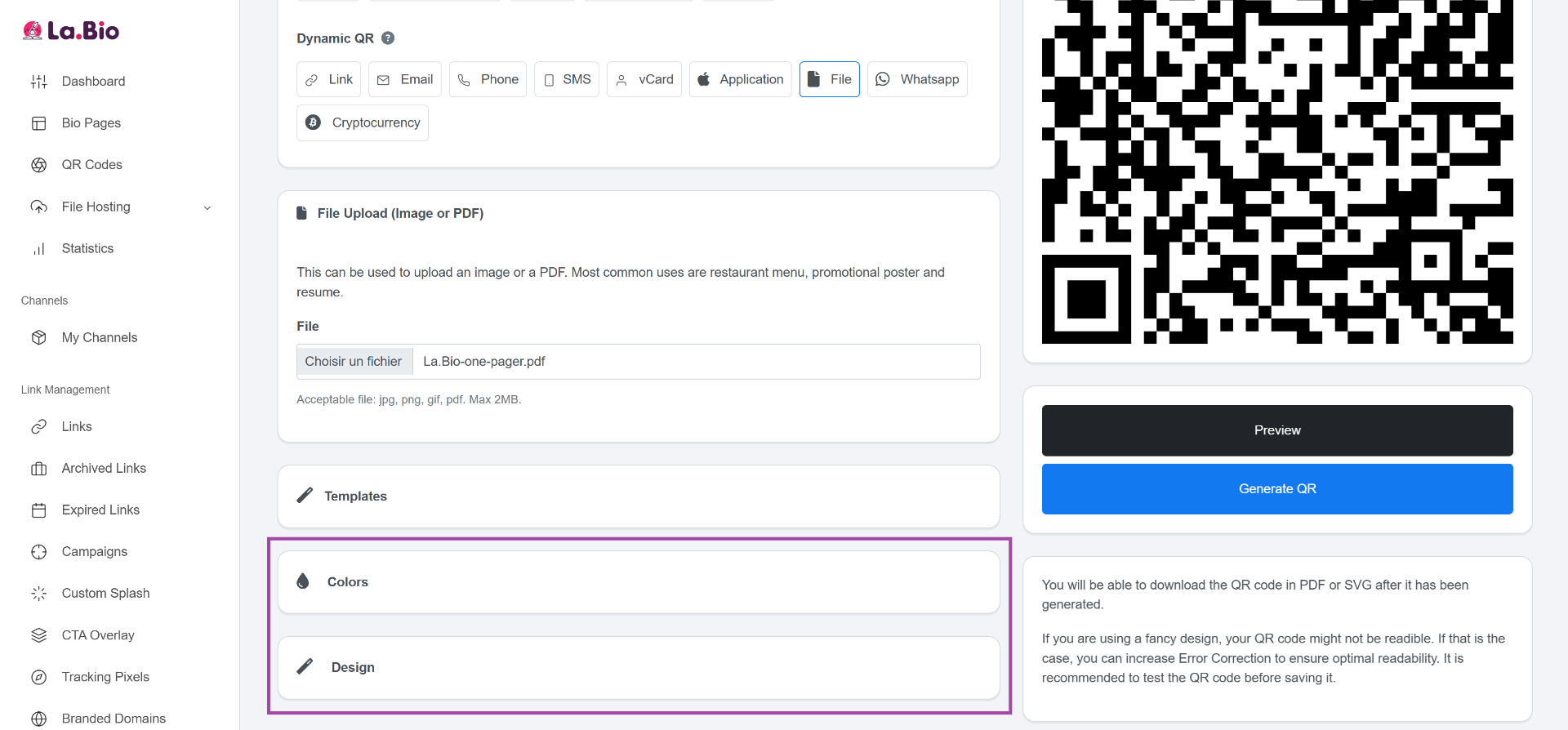
Make your QR code stand out. Use the 'Colors' and 'Design' tabs to match your brand identity. You can change the foreground color, add your company logo to the center, or change the frame style to attract more scans.
Step 6: Generate & Download
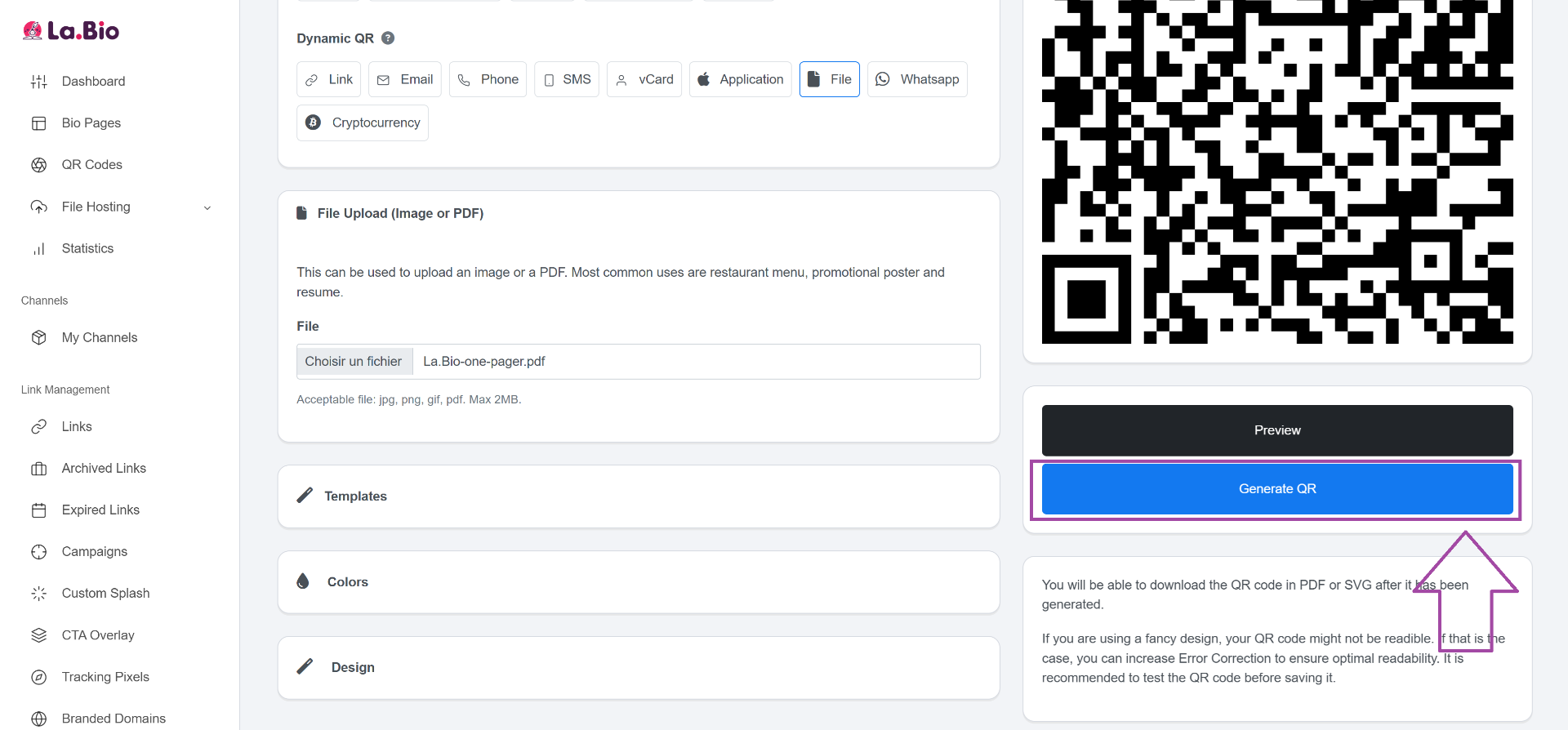
Once you are happy with the design, click "Generate QR" to finalize it. Your code is now ready! You can download it immediately in SVG, PNG, or JPG format for high-quality printing.
Best Use Cases for PDF QR Codes
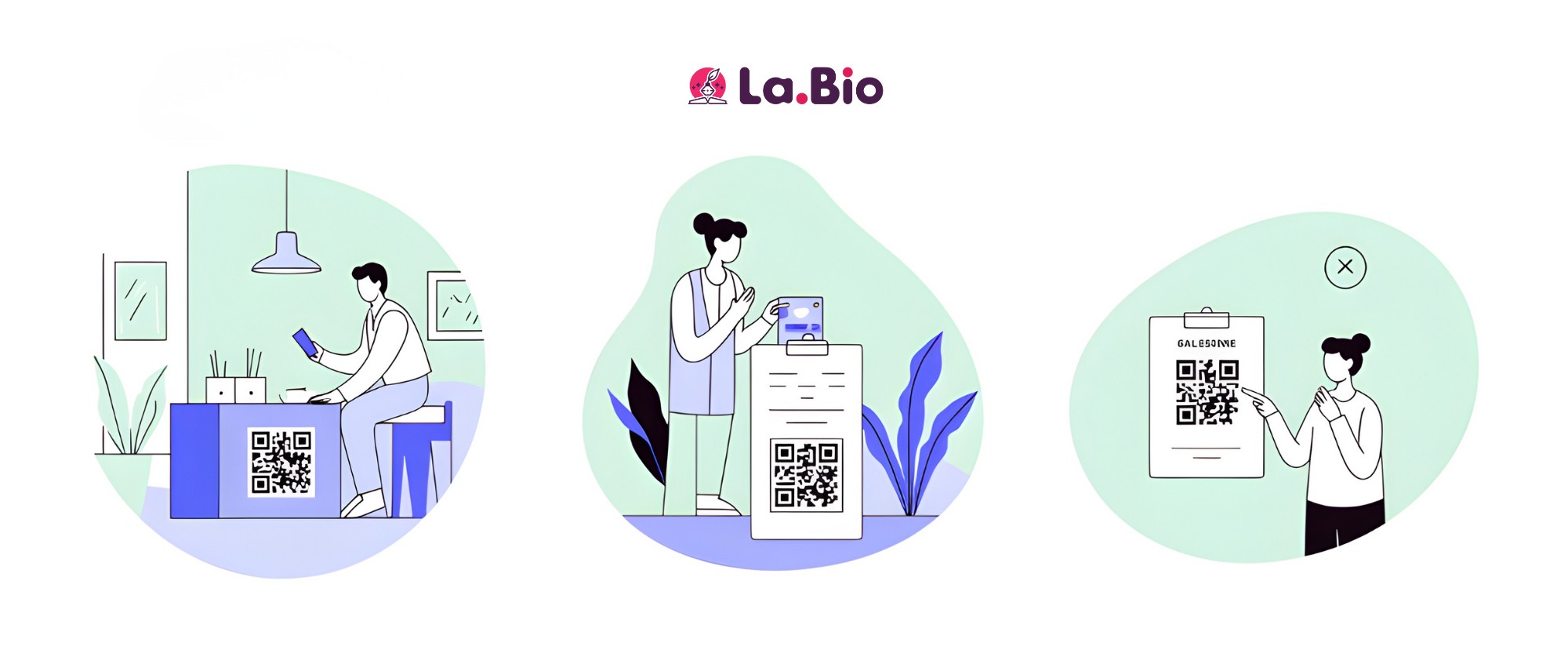
Because [La.Bio] removes the limits on scans and bandwidth, you can use these codes in high-traffic environments without worrying about hitting a quota. Here are the most effective ways to utilize them:
Digital Menus for Restaurants & Cafes
The most popular use case is undoubtedly in the hospitality industry. By placing a QR code on tables, you eliminate the need to print, laminate, and clean physical menus. Customers simply scan and view the PDF on their phones.
However, while a PDF is great, an interactive experience is even better. If you want to go further than a simple static document and create a full ordering page with images and links, check out our guide on why your restaurant needs a smart bio link page for restaurants.
User Manuals & Product Packaging
Reduce packaging waste by removing thick instruction booklets from your boxes. Instead, print a small dynamic QR code on the packaging or a sticker. Customers can instantly download the user manual, assembly instructions, or warranty information in PDF format. Because the code is dynamic, you can update the manual if you find a typo—without recalling the product.
Event Brochures & Real Estate Flyers
Whether you are handing out flyers at a conference or selling a property, physical space is limited. Use a PDF QR code to give people access to the full story—floor plans, detailed itineraries, or extensive catalogs—that wouldn't fit on a single sheet of paper. With our unlimited scans, it doesn't matter if ten people or ten thousand people scan your flyer; the file will always load.
Frequently Asked Questions (FAQ)
Q: Is the hosting really free?
Yes. Unlike many competitors that force you to upgrade to a paid plan just to host a file, [La.Bio] offers 100% free hosting for your PDF documents. We do not impose bandwidth restrictions, meaning you get unlimited scans without ever needing to enter a credit card.
Q: What happens if I update the PDF?
The physical QR code stays exactly the same. This is the true power of a Dynamic QR code. You can simply log in to your dashboard, delete the old file, and upload the new version. The QR code will instantly point to the updated document, saving you from having to reprint your marketing materials.
Q: Can I track how many people scanned it?
Yes. Even with our free account, comprehensive analytics are included. You can track exactly how many times your PDF has been accessed, which device types were used, and even the geographic location of your scanners to better understand your audience.
Conclusion
Transitioning from physical paper to digital solutions shouldn't cost you a fortune in monthly fees. By choosing [La.Bio], you are opting out of the restrictive models used by other platforms that charge you for every scan or file upload.
You save money on printing costs and completely eliminate expensive software subscriptions, all while gaining the flexibility to update your content whenever you want. There is no catch—just powerful tools designed to help you grow without limits.







