Quick Answer: "Link in Bio" refers to the clickable URL found in the profile section (biography) of social media accounts like Instagram and TikTok. Since these platforms do not allow links in post captions, the "Link in Bio" acts as a landing page to direct followers to websites, products, or other social profiles.
If you have spent any time scrolling through social media, you have undeniably heard the phrase. Whether it is a fashion influencer showing off a new outfit or a YouTuber promoting their latest video, the call to action is always the same: "Check the link in bio !"
It is the most common phrase on social media today, but for beginners, it can be confusing. Where exactly is this link? Why do creators keep saying it? And most importantly, what does it actually do ?
The concept exists because of a specific limitation on platforms like Instagram and TikTok. Unlike Facebook or Twitter, these apps do not allow you to place clickable links in your post captions or comments. They limit users to a single clickable link located in the profile section (the "bio").
This restriction creates a bottleneck. If you want to share your website, your WhatsApp, and your YouTube channel all at once, the native apps won't let you.
This is where a "Link in Bio" tool becomes essential. A solution like [La.Bio] turns that single, restricted link into a gateway for all your content. Instead of constantly changing the URL in your profile, you use one permanent link that opens a menu to everything else you want to share.
Why is the Link in Bio So Important
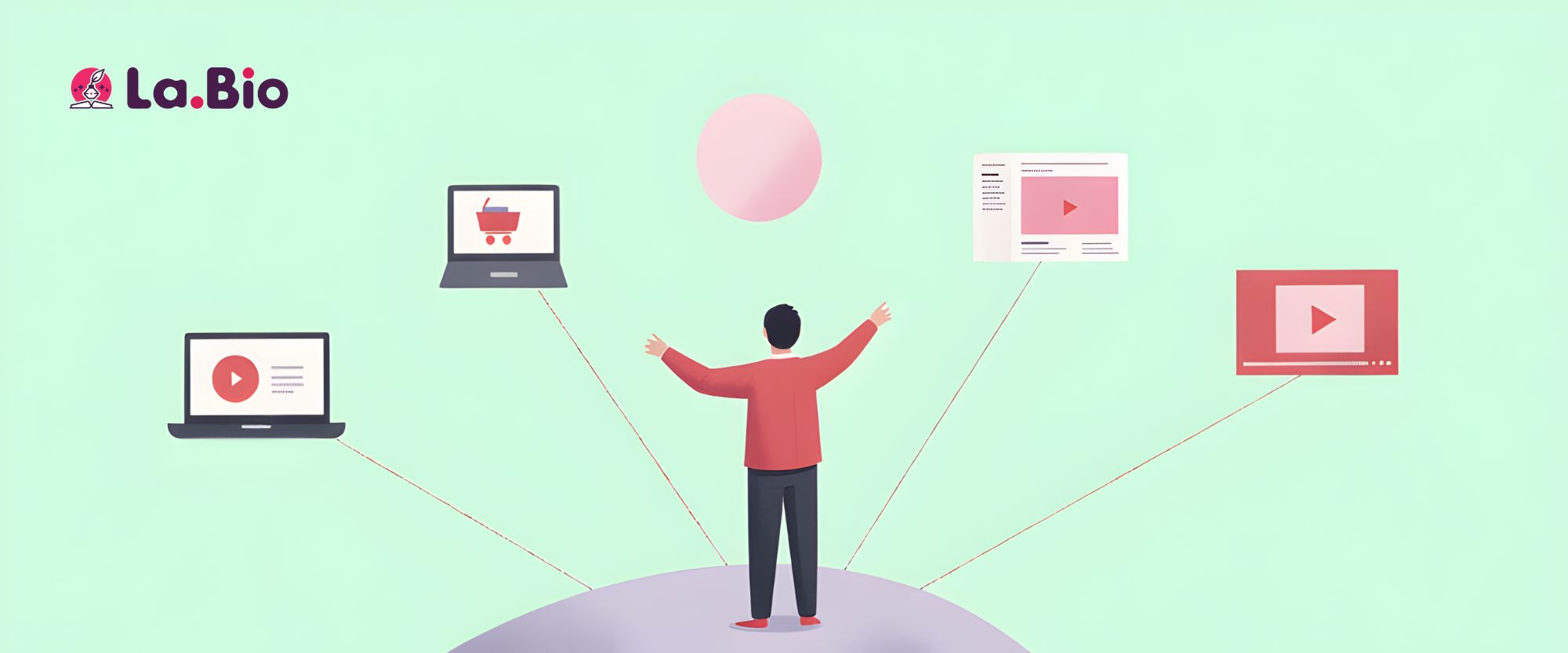
You might wonder why a single URL matters so much. In the ecosystem of modern social media, this small piece of real estate is arguably the most valuable part of your profile. Because platforms like Instagram and TikTok are designed to keep users scrolling inside the app, the Link in Bio is often the only bridge to the outside world.
Here are the three main reasons why mastering this link is crucial for your growth:
1. It Drives Traffic
For bloggers, business owners, and creators, the ultimate goal is often to move followers from the app to a specific destination. Whether you just published a new blog post, launched a portfolio, or have a breaking news story, the Link in Bio is the only reliable way to direct your audience there. Without it, your followers have to manually type your website address into a browser—a step most people simply won't take.
2. It Increases Sales and Revenue
If you are trying to monetize your audience, this link is your cash register. Whether you are an affiliate marketer sharing a discount code, an influencer promoting a brand collaboration, or a business owner selling products, you need a clickable path to purchase. A well-optimized bio link removes friction, making it easier for your followers to buy what you are selling immediately.
3. It Offers Unmatched Convenience
Most creators exist on multiple platforms. You might have a YouTube channel, a Twitter account, a Spotify playlist, and a WhatsApp contact number. Listing all these URLs in your biography text looks messy and unclickable. A "Link in Bio" tool solves this by grouping every single one of your digital destinations into one clean, organized list. It saves your followers time and ensures they can find exactly what they are looking for without hunting through old posts.
Real World Examples of Link in Bio

The beauty of a bio link is its versatility. No matter what you do online, this tool adapts to your specific needs. Here is how three different types of users utilize their "Link in Bio" to grow their presence and connect with their audience.
1. For Influencers & Content Creators
Creators on platforms like TikTok and Instagram constantly face the challenge of updating their audience on new content. Whether it is a new YouTube vlog, an affiliate recommendation, or a Twitch stream, they need one place to house it all.
However, newer creators often face restrictions on when they can actually post a clickable link.
If you struggle with link limits, read our guide on how to add a link in bio on TikTok without 1000 followers.
2. For Small Businesses & Brands
For business owners, the bio link isn't just about content—it is about customer service and sales. A restaurant might link to their menu and reservation page, while a service provider might need a direct line for inquiries. Speed is key here; customers want to ask questions immediately without filling out long forms.
Businesses often use it to add contact buttons to streamline communication. Learn how to add a WhatsApp button to your link in bio.
3. For Gamers, Streamers & Artists
Gamers and digital artists have a unique ecosystem. They often need to direct followers to a Discord server for community chat, a Twitch channel for live streaming, and a donation page all at once. A standard profile website field simply isn't enough to cover these diverse platforms.
Streamers use it to group their channels effectively. Check our guide on link in bio for gamers to see how to organize your gaming profile.
How to Create Your Own Link in Bio for Free
Many beginners worry that creating a "website" for their profile requires coding skills or a monthly subscription. The good news is that creating a Link in Bio is incredibly simple and completely free. You can have your page up and running in less than five minutes.
Here is a step-by-step guide to setting yours up using [La.Bio]:
Sign Up for Free
Head over to [La.Bio] and create your account. Unlike other tools that charge for advanced features, La.Bio allows you to create unlimited links and customize your design without paying a cent.Claim Your Unique URL
Upon signing up, the system will immediately generate a unique URL for your page.
Note: The free link works perfectly for directing followers to your content. However, if you want a specific custom name (like la.bio/yourbrand) to match your handle exactly, you can upgrade to the Pro plan to claim that custom URL.
Add Your Buttons
Once you are inside the dashboard, simply click to add new links. This is where you paste the URLs for your:Main Website or Blog
YouTube Channel
WhatsApp Number
Other social profiles (Twitter, Pinterest, LinkedIn)
Affiliate products or shops
Publish and Copy
Customize the look to match your brand colors, and once you are happy, hit publish. Copy your new, unique URL to your clipboard.Paste it to Your Profile
Open your Instagram or TikTok app, go to your profile page, and tap "Edit Profile." Look for the field labeled Website (on Instagram) or Website (on TikTok) and paste your new link there.
That’s it! You now have a permanent landing page that directs your traffic exactly where you want it to go.
Frequently Asked Questions
Even though the concept is simple, many beginners still have specific questions about how the "Link in Bio" works technically. Here are the answers to the most common questions.
Q: Is it really free?
A: Yes. [La.Bio] is free to use. You can create your page and share your content without paying anything. While there is a Pro option for users who want a custom URL name (e.g., la.bio/mybrand), the free version is fully functional and allows you to add unlimited links to your page.
Q: Can I put multiple links in my bio without a tool?
A: No. Instagram and TikTok currently restrict the "Website" field to just one URL. If you try to paste two links side-by-side, or paste links in your bio description text, they will not be clickable. Using a tool like [La.Bio] is the only way to share multiple destinations effectively.
Q: Where exactly is the "bio"?
A: The "bio" (short for biography) is the top section of your social media profile page. It is located right under your profile picture and follower count. This section usually contains a short description of who you are, and immediately below that text is the dedicated space for your one clickable link.
Conclusion
The phrase "Link in Bio" might seem like just another piece of internet slang, but it is actually the most powerful tool in your social media toolkit. The "one link" rule imposed by Instagram and TikTok doesn't have to be a limitation that stops you from growing.
By using a tool to aggregate your content, you ensure that your followers can always find exactly what they are looking for—whether that is your latest video, your online store, or your WhatsApp contact.
Don't let your traffic hit a dead end.
Ready to professionalize your profile? Create your Free Link in Bio Page today with [La.Bio].