How to Build Your One-Page Author Platform in Minutes (No Tech Skills Required!)
You’ve poured your heart into writing your book or your latest blog post. But now comes the hard part: getting people to actually read it. Your Amazon page is here, your Substack is there, your social media is everywhere, and your agent is asking for an updated author bio. It’s a scattered online presence that makes it difficult for your loyal readers to follow you and even harder for new readers to discover your complete body of work.
What if you could bring everything together into one beautiful, simple, and powerful page?
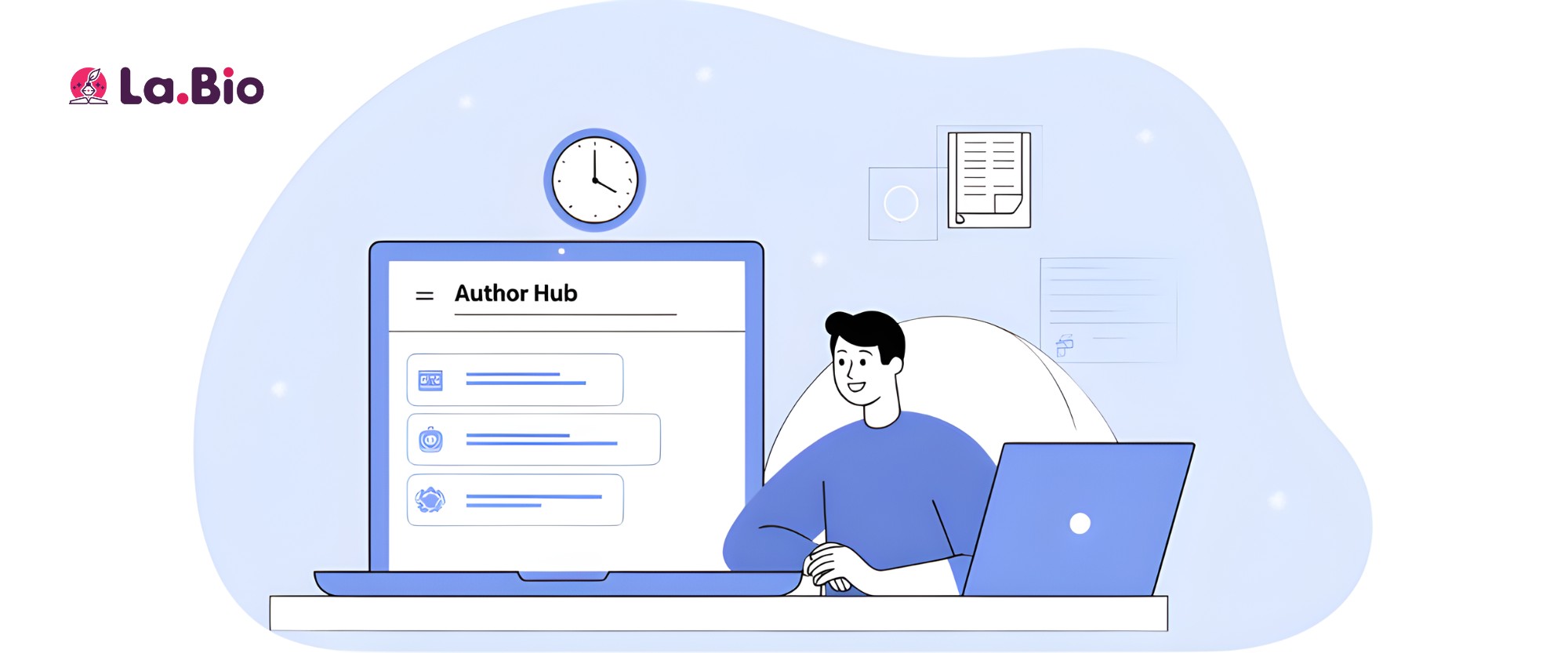
This is where your "Author Hub"—a smart bio link page—comes in. It’s a single, centralized platform where you can showcase your books, grow your newsletter, share your latest articles, and connect with your audience. Forget the time, cost, and complexity of building a traditional website. You can create a professional author platform in less time than it takes to brew a pot of coffee.
How to Get Started: Your 5-Minute Author Hub Setup
Building your central platform is designed to be intuitive. You don't need to know a single line of code or hire a web designer. Just follow these simple steps to get started.
Step 1: Sign Up and Claim Your Unique URL
First, create your free account. During this process, you’ll choose your unique URL (e.g., yourlink.com/YourAuthorName). Make it professional and easy for your readers to remember. This will become the single most important link you share across all your marketing channels.
Step 2: Personalize Your Profile
Add a high-quality headshot and a short, compelling bio. This is your digital introduction. Tell visitors who you are, what you write, and what they can expect from your work. This is the perfect place to establish your author brand and make a personal connection.
Step 3: Customize Your Design
Choose colors, fonts, and a background that match your book cover or author brand. A visually cohesive page looks more professional and helps build immediate recognition with your audience. Our tool makes this as easy as clicking a button—no design degree needed.
Step 4: Add Your First Links and Content
This is where your Author Hub comes to life. Start by adding links to your most important destinations: your Amazon author page, your latest blog post, or your social media profiles. In the next section, we’ll dive deep into the specific "widgets" you can use to truly supercharge this page, turning it from a simple list of links into a dynamic marketing and sales tool.
In just these few steps, you've already built the foundation of a powerful author platform. You now have a single, shareable link that organizes your entire digital world.
7 Essential Widgets for Your Author Hub
Your author hub is more than just a list of links; it’s a dynamic platform powered by smart "widgets" or blocks. These tools are designed to solve specific challenges for authors—from selling books to growing your community. Here are the seven essential widgets you should add to your page today to turn it into a powerful author marketing tool.
1. Your Latest Book (Image/Link Widget)
The first thing a visitor should see is your beautiful book cover. Use an image or link widget to display it prominently at the top of your page. But don't just show the cover—make it actionable. Add direct links that take readers straight to the key retailers like Amazon, Barnes & Noble, and Kobo, as well as community sites like Goodreads. This removes friction and makes it incredibly easy for an interested reader to make a purchase or add your book to their "want to read" list.
2. Grow Your Readership (Newsletter Widget)
If you take only one piece of advice from this guide, let it be this: your email list is the single most powerful marketing tool you will ever have as an author. Unlike social media followers, your newsletter subscribers are a direct, unfiltered line of communication. Embed a newsletter sign-up form directly on your page. Whether you use Substack, Mailchimp, or ConvertKit, this widget makes it effortless for fans to join your community so you can notify them about new releases, special offers, and personal updates.
3. Offer a Free Chapter (PDF Widget)
One of the best ways to convince a reader to take a chance on your book is to give them a taste of your work. Use a PDF or file download widget to offer a free, downloadable sample—like the first chapter or a related short story. This "lead magnet" is a fantastic incentive to pair with your newsletter sign-up, instantly rewarding new subscribers and hooking them on your writing style.
4. Your Latest Blog Post (Link Widget)
For authors who are also bloggers, keeping your audience engaged between book launches is crucial. Add a dynamic button or link that you can quickly update with your newest article, interview, or guest post. You can label it "New on the Blog," "My Latest Musings," or "Read My Newest Article" to create a sense of timeliness and encourage repeat visits to your author hub.
5. Your Book Trailer (YouTube/Vimeo Widget)
Video is the most engaging medium online. If you've invested in a book trailer, your author hub is the perfect place to showcase it. Embed your YouTube or Vimeo video directly onto the page. It will capture attention instantly, conveying the tone and excitement of your book in a way static text cannot. It's a professional touch that helps your work stand out.
6. Your Socials (Twitter/X, Instagram, TikTok, etc.)
Readers love connecting with authors on a personal level. Add a section with clean, simple icons that link out to all your active social media profiles. This consolidates your presence and allows fans to follow you on their preferred platform, whether it's the literary community on Twitter (X), the visual world of Instagram, or the trending topics on TikTok.
7. 'Hire Me' / 'Contact Me' (Contact Form Widget)
Many authors are also freelance writers, editors, or speakers. If you offer professional services, a contact or "Hire Me" form is essential. This widget allows potential clients, agents, or media to get in touch with you directly for professional inquiries without you having to publicly display your email address, which helps reduce spam.
Many authors start with tools like Linktree, but quickly find they need more features to truly build a platform like this. See how we stack up in our guide: Top Linktree Alternatives That Are 100% Free.
Why a Smart Bio Link is a Powerful and Cost-Effective Author Website Alternative
For years, the standard advice for any serious author has been, "You need a professional website." While well-intentioned, this advice often ignores a critical reality: building and maintaining a traditional website is a significant investment of time, money, and technical effort.
Let's be honest. Your primary job is to write, not to become a part-time web developer. You shouldn't have to worry about hosting fees, WordPress updates, broken plugins, or complicated design software. The goal is to connect with readers and sell books, not to get bogged down managing a complex piece of digital real estate.
This is why a smart bio link page has become the perfect author website alternative for modern writers and bloggers. It’s not a compromise; it’s a strategic choice to focus on what truly works.
A bio link page elegantly handles over 90% of what an author actually needs their online presence to do:
Showcase Your Work: Instantly display your new book cover and key details.
Drive Sales: Provide direct, one-click links for readers to buy your book on any platform.
Grow Your Audience: Capture email addresses for your newsletter—your most valuable marketing asset.
Connect on Socials: Consolidate all your social media profiles in one clean list.
Share Updates: Quickly add a link to your latest blog post, interview, or news.
It delivers all the essential functions without the technical overhead or monthly maintenance costs. You can update it from your phone in seconds, ensuring your readers always have access to your latest work. It’s a powerful, focused, and efficient solution designed for action—turning passive followers into active readers and dedicated fans.
The Offline-to-Online Bridge: A Clever QR Code Trick for Authors
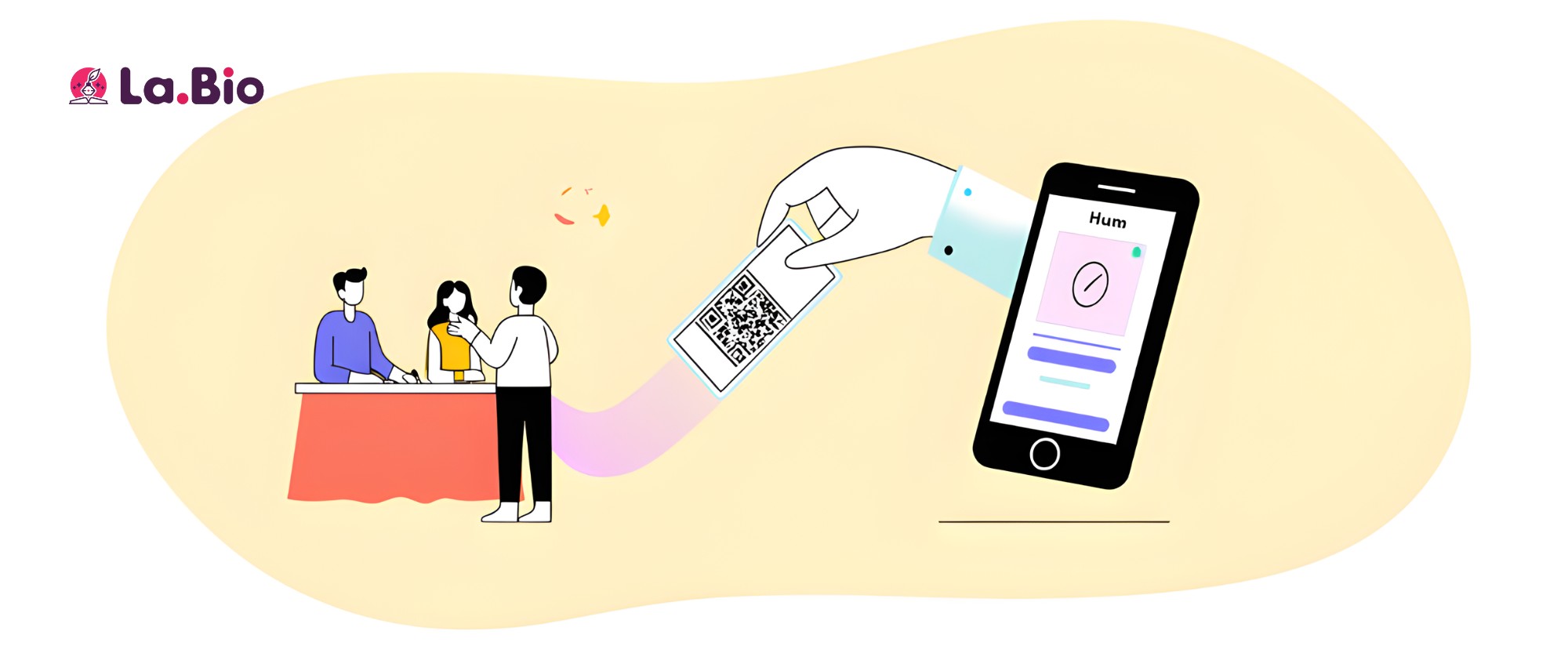
As an author, some of your most valuable interactions happen offline—at book signings, literary festivals, and speaking events. But how do you convert that real-world enthusiasm into a lasting digital connection? The answer is surprisingly simple: a QR code linked directly to your author hub.
This is a powerful, yet easy, marketing tactic that seamlessly bridges the gap between your physical and online presence. Here are a few clever ways to use them.
For Book Signings & In-Person Events
Imagine this: a reader approaches your table at an event. Instead of just handing them a business card that might get lost, you have a small, elegant sign with a QR code. With a quick scan of their phone, they can instantly:
Buy your book on Amazon right there.
Join your newsletter before they walk away.
Follow you on social media with a single tap.
It transforms a fleeting moment of interest into a concrete action, capturing a new fan for your community before the opportunity is lost.
On Your Promotional Bookmarks
Bookmarks are a classic piece of author swag, but you can make them infinitely more powerful. Print a QR code on every bookmark you give away. A reader can tuck it into their current read and, whenever they see it, they have a direct portal to your entire author platform. It’s a constant, subtle reminder of your work that leads them directly to your author hub where they can discover your backlist or sign up for your updates.
On the Back of Your Book (or Inside)
This is the ultimate pro move. Imagine a reader finishing the last page of your incredible book. They’re buzzing with excitement and eager to know what you’re writing next. Right there, on the back cover or the "About the Author" page, is a QR code with a simple call to action: "Loved the book? Scan here to see what's next."
This one scan can lead them to your hub where they can immediately join your newsletter to be notified of your next release, follow you on social media, or even pre-order your next book. It captures readers at their peak moment of engagement and converts them into long-term, loyal fans.
The QR code on your business card or bookmark should be high-quality for printing. To learn more about formats like SVG for the best results, check out The Ultimate Guide to Generating QR Codes.
How to Turn Scattered Social Media Followers into a Loyal, Centralized Readership
You have 5,000 followers on Twitter, 2,000 on Instagram, and a growing community on Substack. The problem? They are completely separate audiences. The Instagram follower who loves your book cover art probably doesn't know you write a brilliant weekly newsletter. The Twitter follower who engages with your writing prompts may have missed your latest book announcement entirely.
This is the fundamental challenge of social media: your audience is fragmented and your reach is controlled by unpredictable algorithms. The key to building a sustainable author career is to guide those scattered followers to a central place that you control.
Your author hub is that place. It acts as the Grand Central Station for your online presence, and here’s how you use it to build a truly loyal readership.
1. Make It Your One-and-Only Link
This is the most critical step. Go to every single one of your social media profiles—Twitter/X, Instagram, TikTok, Facebook, LinkedIn—and replace whatever link is in your bio with the single URL for your new author hub. No more agonizing over whether to link to Amazon or your latest blog post. Now, you link to the platform that contains everything. This consistency makes it easy for your followers to find what they're looking for, no matter where they discovered you.
2. Train Your Audience with Clear Calls to Action
Don't just post the link and hope people find it. You need to actively direct them. In your posts, tweets, and videos, use clear, benefit-driven language to tell your audience why they should click:
When launching a book: "My new book is out now! You can find links to all major retailers at the link in my bio."
When sharing a blog post: "I just published a new article on the writing process. Read it now via the link in my bio."
When promoting your newsletter: "Want a free short story? Sign up for my newsletter to get it instantly. The form is at the link in my bio."
When running a giveaway: "To enter the signed copy giveaway, follow the instructions at the link in my bio!"
By consistently pointing them to one central hub, you train your followers that this is the definitive source for all your content.
3. The Ultimate Goal: The Newsletter Sign-Up
Social media platforms will come and go, but your email list is forever. Your author hub is the perfect, low-friction environment to encourage sign-ups. The primary goal of funneling all your traffic to this one page is to expose every visitor to your newsletter widget.
This is how you complete the conversion:
A follower becomes a visitor when they click your link in bio.
A visitor becomes a subscriber when they join your newsletter.
A subscriber becomes a loyal reader who buys your books for years to come.
By turning your scattered social followers into a centralized email list, you move from a rented audience (on social media) to an owned audience—the foundation of a long and successful writing career.
Your Writing Deserves a Spotlight. Build Your Free Author Platform in Minutes!

You've done the hard work of creating worlds, characters, and ideas. Now it's time to give your writing the platform it deserves—one that is as professional and compelling as your work itself. Stop juggling scattered links and start building a central hub that works for you, converting casual followers into dedicated readers.
Take five minutes today to create your free author hub. It's the simplest and most powerful step you can take to grow your readership, sell more books, and build the writing career you've always imagined.