Quick Answer: A gamer bio link is a single landing page that houses all your streaming links, Discord invites, and donation buttons. It allows streamers to bypass the "one link" rule on Instagram and TikTok to grow their community across all platforms.
Introduction
Let’s be real: managing a community in 2025 is a grind.
You’re streaming on Twitch or Kick, dropping clips on TikTok, organizing raids in Discord, and trying to sell merch on the side. Your audience is scattered across five different platforms, and if you make it hard for them to find you, you’re leaking traffic.
The biggest rookie mistake? Relying on a single link that leads to just one place.
If a viewer finds you on TikTok but prefers watching YouTube VODs, sending them to your Twitch channel is a wasted click. You need a central hub—a digital lobby where your fans can access everything you do.
But here’s the problem with most "solutions" out there: they want your sub money.
Popular tools like Linktree or Beacons often lock the features you actually need—like analytics, custom backgrounds, or removing their branding—behind a monthly subscription.
That’s where [La.Bio] changes the meta.
We believe you shouldn’t have to pay to share your own content. [La.Bio] gives you a free link in bio for gamers with unlimited links, unlimited QR codes, and advanced analytics without costing you a dime.
Stop paying for basic features. It’s time to upgrade your setup.
The TikTok Problem: How to Share Links Without 1k Followers
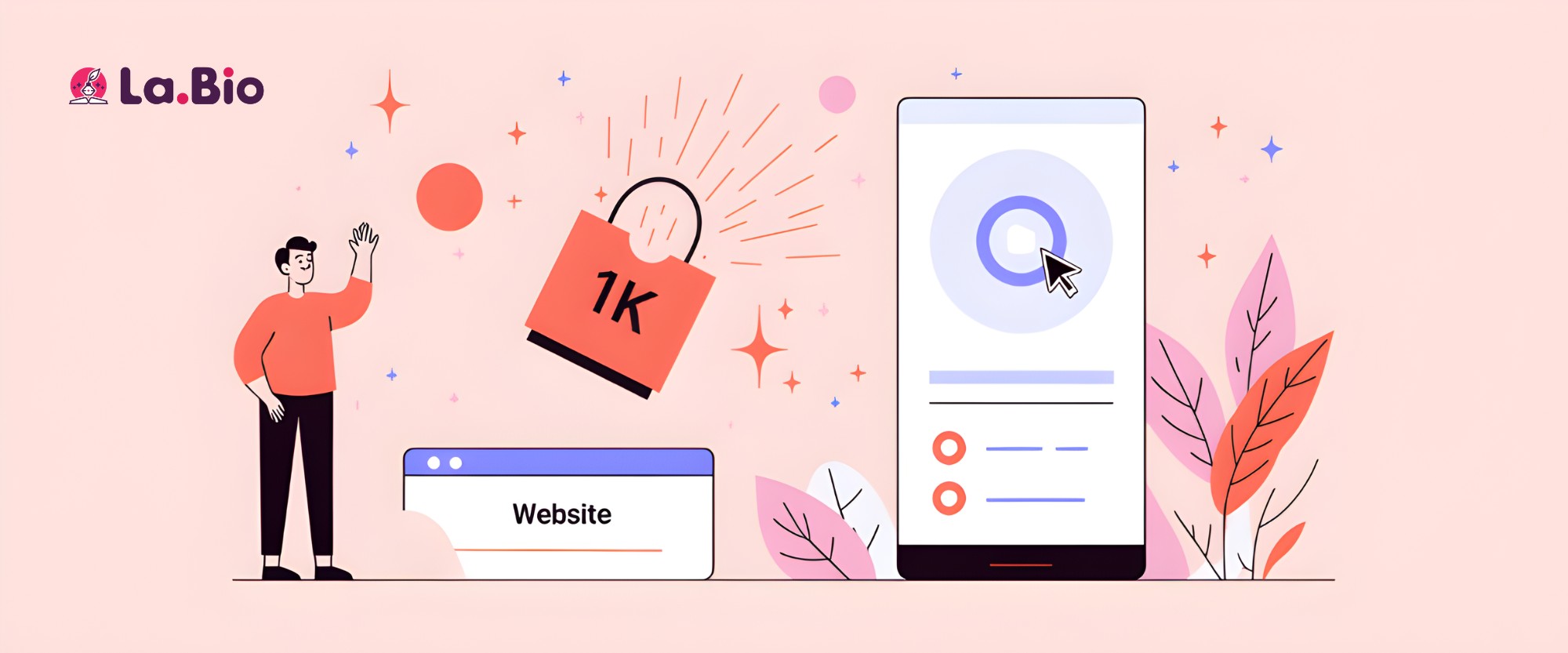
If you are trying to grow on TikTok, you’ve hit the wall. TikTok is notorious for gatekeeping the "website" field in your profile until you hit 1,000 followers. For a new streamer trying to funnel traffic to Twitch or Kick, that restriction is a conversion killer.
But there is a cheat code to get your tiktok link in bio without 1k followers. You don’t need to grind for months just to share a link.
Here is the workaround:
Open TikTok Settings: Go to "Manage Account."
Switch Account Type: Select "Switch to Business Account."
Select Category: Choose "Gaming" or "Media."
Done: The website field is now unlocked immediately, regardless of your follower count.
Why You Need a Bio Link Here (Not Just Your Twitch URL)
Once you unlock that slot, don't waste it.
If you paste a direct link to your Twitch channel, you are losing viewers. Why? Because the in-app browser on TikTok often doesn't log users into Twitch automatically. They land on your channel, can't follow, can't chat, and they bounce.
By using [La.Bio], you create a landing page that gives them options:
"Watch Live on Twitch" (Opens the app).
"Join the Discord" (Crucial for retention).
"Watch VODs on YouTube" (For offline viewing).
You worked hard for that traffic—don't let a bad link setup throw the game.
Growing Your Community: The Discord Strategy
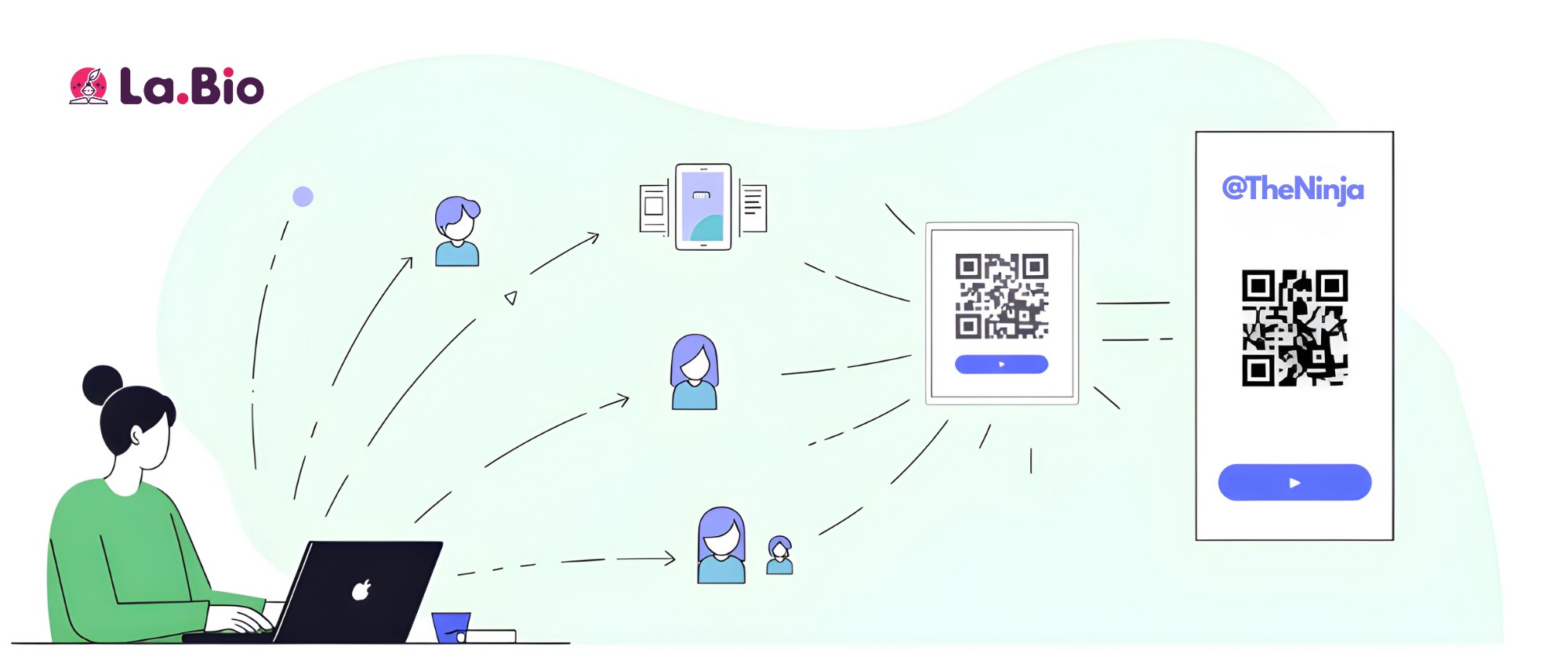
Stream chat moves fast. Once you go offline, that interaction dies unless you move those viewers somewhere permanent. That is exactly why your Discord server is the heartbeat of your community.
The goal isn't just to get followers; it's to get members. To do that, you need to make joining frictionless.
The Permanent Invite
Spamming your link in chat every 10 minutes is annoying. Instead, your discord invite link should be front and center on your [La.Bio] page. By making it a massive, clickable button right next to your stream link, you capture viewers who want to stay connected after the broadcast ends.
The Pro Streamer Hack: Overlay QR Codes
Here is where [La.Bio] levels up your engagement.
Most of your viewers are watching on a desktop or TV while scrolling on their phones. You need to bridge that gap.
With [La.Bio], you can generate a dynamic discord server qr code for free.
Download the QR Code: Get the high-res image from your dashboard.
Add to OBS/Streamlabs: Place it on your "Starting Soon," "BRB," or "Just Chatting" scenes.
The Result: Viewers can simply point their phone at the screen and join your server instantly—no typing required.
This simple addition removes the friction of finding a link, drastically increasing your join rates during live streams.
Monetization: Custom Venmo & PayPal QR Codes
Let's talk about loot. Whether you are collecting tips for new gear, a subathon goal, or just coffee money, you need to make it incredibly easy for your viewers to support you.
Dropping a long PayPal link in chat is messy. And let's be honest, the standard black-and-white QR codes provided by payment apps are ugly. They don't match your brand, and they look out of place on a sleek stream overlay.
You need something that looks as professional as your gameplay.
With [La.Bio], you can generate stylized QR codes for your payment gateways. You can customize the colors, add your logo in the center, and make it pop on your "Donation" panel.
If you want to accept donations with style, you should create a custom Venmo QR code using our tool.
Just like the Discord strategy, placing this custom code on your overlay allows mobile viewers to scan and tip in seconds without ever leaving the stream. It cuts down the steps between a viewer wanting to support you and actually doing it. Don't leave money on the table because your links were too hard to find.
Why [La.Bio] is the Best Free Linktree Alternative for Streamers
Most "link in bio" tools operate on a freemium model—basically the real-life version of "pay-to-win." They give you a bare-bones demo version and then ask for your credit card if you want the features that actually help you grow, like detailed stats or custom backgrounds.
You need a robust Linktree alternative for gamers that doesn't nerf your growth behind a paywall.
[La.Bio] was built to give you the "Pro" experience without the monthly subscription. Here is how we stack up against the competition:
Unlimited Links & Buttons: While others cap how many links you can add on their free tier, [La.Bio] lets you add unlimited links. Link your Twitch, Kick, YouTube, merch store, and affiliate codes without restriction.
Free Advanced Analytics: Data is power. Most platforms charge you to see who clicked what. We give you full traffic breakdowns for free so you can see if your clicks are coming from your twitch link in bio or your TikTok profile.
Total Customization: Don't get stuck with boring presets. We let you use custom backgrounds and colors to perfectly match your stream overlay and branding.
100% Free QR Codes: Generate dynamic QR codes for your Discord, Venmo, or website instantly.
Stop paying for features that should be standard. With [La.Bio], you get the full loadout from day one.
Step-by-Step: Building Your Gamer Hub in 3 Minutes
You don’t need to be a web developer to set this up. We’ve streamlined the process so you can get it done faster than a queue pop.
If you want a deep dive into every feature and setting, check out our full guide on How to Create a Professional Bio Link in 6 Simple Steps.
For the speedrunners, here is the quick start guide:
Claim Your URL: Sign up at [La.Bio] and lock in your username immediately. Ideally, this should match your Twitch or in-game handle so your brand is consistent across all platforms.
Add Your Links: This is your digital loadout. Add your twitch link in bio, your Discord invite, your YouTube channel, and any affiliate links. You can drag and drop them to prioritize what matters most (usually your live stream).
Customize the Look: Don’t settle for the default white background. Upload your own banner, change the background to "Dark Mode" to save your viewers' eyes, and tweak the button colors to match your stream’s HUD or overlay.
That’s it. In less than three minutes, you have a professional, mobile-optimized hub ready to go. Copy the URL, paste it into your bios, and get back to streaming.
Conclusion: Stop Paying to Share Your Links
You grind hard for your subs and donations. There is absolutely no reason to let monthly subscriptions for basic tools eat into your revenue.
[La.Bio] offers the best link in bio for gamers because we understand the industry. You need speed, customization, and zero friction—not a paywall that blocks you from seeing your own analytics.
Whether you are a variety streamer, a competitive esports player, or a Discord community manager, your bio link is your digital business card. Make it look pro, keep it branded, and most importantly, keep it free.
It’s time to consolidate your fragmented audience into one powerful hub.