Picture this: It’s 48 hours before the doors open. Your inbox is flooded with attendees asking for the venue address. Your social media manager is scrambling to pin the updated schedule to Instagram. Meanwhile, potential ticket buyers are dropping off because they can’t find the registration link buried in an old email.
Juggling ticket links, venue maps, PDF schedules, and last-minute updates isn't just stressful—it’s a logistical nightmare.
In the high-stakes world of event planning, fragmentation is the enemy. When your critical information is scattered across a clunky website, Facebook events, and endless email threads, you create friction. And friction kills attendance.
But there is a smarter way to manage the chaos.
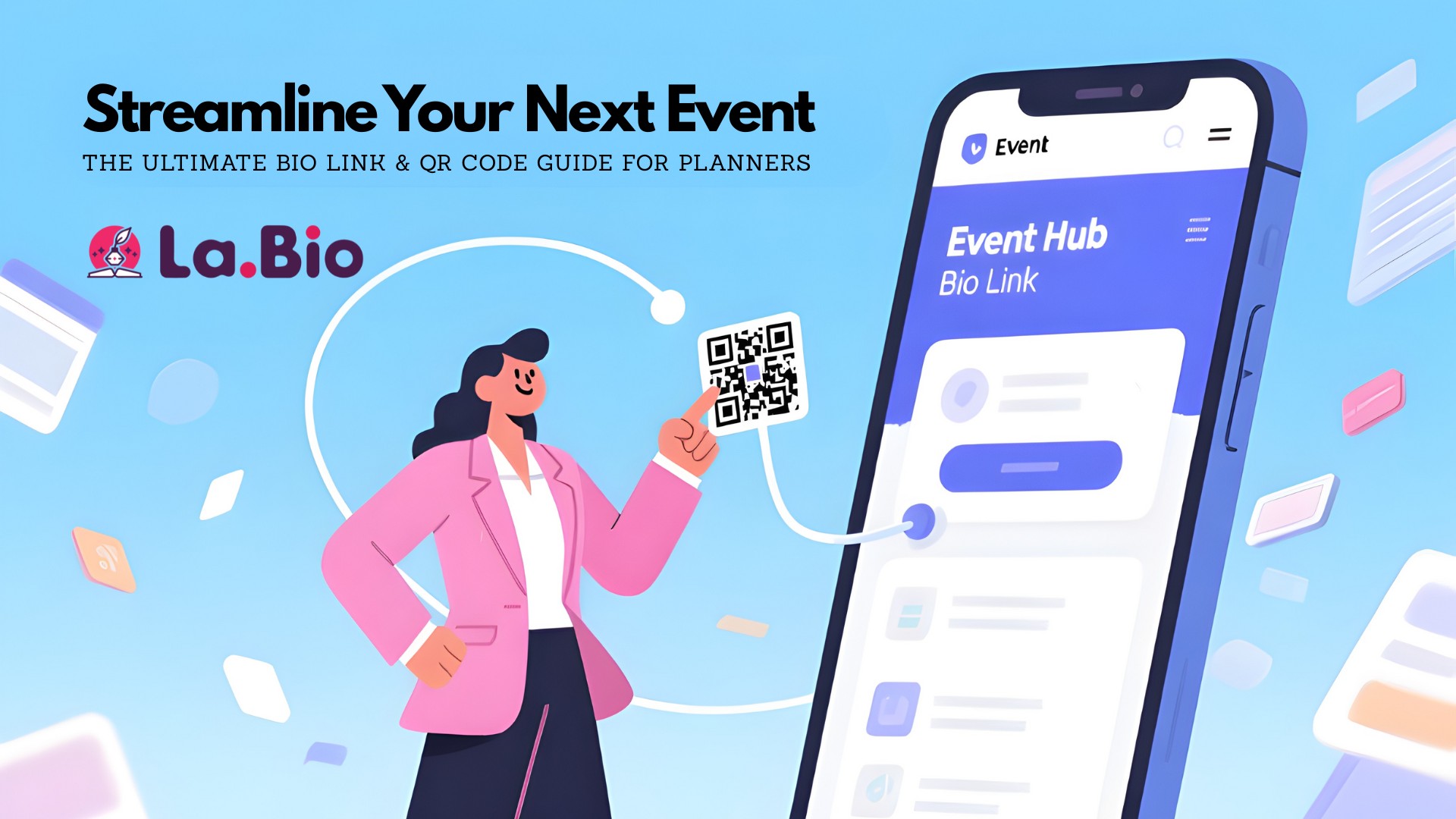
Imagine a single, mobile-optimized destination that houses everything your attendees need. A centralized "Event Hub" powered by a smart bio link, coupled with interactive QR codes for events that bridge the physical and digital worlds instantly.
Whether you are organizing a massive tech conference, a local music festival, or an intimate wedding, this approach transforms your operation from scattered to streamlined.
In this guide, you will learn:
How to build a "Single Source of Truth": Create a one-page Event Hub that updates in real-time, eliminating the need for reprinting materials.
The 7 Essential Widgets: A breakdown of the exact tools you need to embed—from Eventbrite ticketing to Google Maps and live networking chats.
The QR Code Playbook: Strategic ways to place QR codes on badges, signage, and invitations to boost engagement and capture data.
Stop chasing loose ends. Let’s build the digital infrastructure your event deserves.
The "Single Source of Truth": Why Your Event Needs a Central Hub
If you ask any seasoned event planner about their biggest pet peeve, the answer is almost always the same: answering the same three questions five hundred times a day.
"Where do I park?"
"What time does the keynote start?"
"Can I still buy a ticket at the door?"
This repetition happens when your event information is fragmented. Your ticketing is on one platform, your agenda is a PDF attached to an email, and your venue updates are lost in a Facebook feed. This forces attendees to hunt for information, leading to frustration and unnecessary support tickets.
The solution is to establish a "Single Source of Truth."
By utilizing a customizable link in bio for events, you create a dedicated landing page that consolidates every critical asset. Instead of sending users to a generic homepage where they might get lost, you direct them to a streamlined, mobile-first dashboard designed specifically for the attendee journey.
Real-Time Agility vs. Static Limitations
The true power of this event management platform strategy lies in its agility. Printed brochures and PDF attachments are static; once sent, they cannot be changed. If a speaker cancels or a room changes last minute, a printed schedule becomes a liability.
With a dynamic bio link page, you can update the information in seconds. The change is instant for every attendee who clicks the link or scans your QR code. You maintain control, reduce confusion, and ensure that your attendees always have the latest data in their pockets.
Building Your Event Hub: 7 Essential Widgets for Success
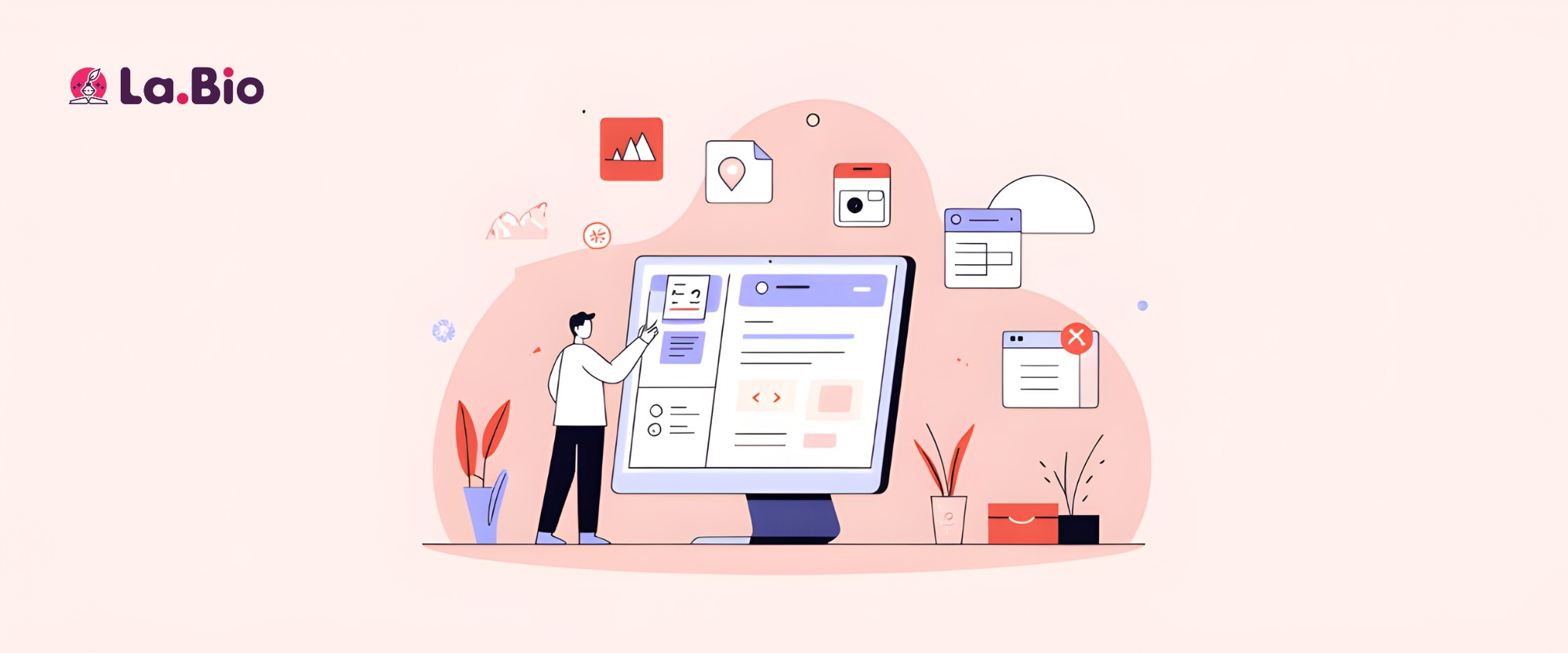
Now that we understand why you need a hub, let’s look at how to build it. A standard list of links isn’t enough. To truly streamline your operations, you need to leverage smart widgets that turn your bio link into a functional app-like experience.
Here are the 7 essential widgets every event organizer should implement:
1. Ticketing & Registration (Eventbrite Widget)
Reduce the friction between "interest" and "purchase." Instead of linking out to a third-party page where you might lose the lead, use an embed widget. Whether you are using an Eventbrite QR code strategy or another ticketing platform, embedding the checkout flow directly onto your bio link page keeps the user focused and increases conversion rates.
2. The Full Schedule (PDF Widget)
Hardcore attendees love to plan their day. Upload your detailed event program or agenda as a PDF file. The PDF widget allows users to view the schedule instantly within the page or download it to their device for offline access. This creates a seamless user experience compared to pinching and zooming on a low-quality image on Instagram.
3. Finding the Venue (Google Maps Widget)
"Getting there" is often the most stressful part of the attendee experience. Don’t just write the address; embed a Google Maps widget. This allows attendees to click, get directions, and navigate directly from their current location to your venue’s doorstep without switching apps or copy-pasting addresses.
4. Speaker & Sponsor Visibility (Link Widgets)
Your speakers and sponsors are the backbone of your event—give them the visibility they deserve. Create a dedicated section with visual link buttons (using thumbnails or icons) that direct users to speaker bios or sponsor websites. This adds value to your sponsorship packages by driving measurable traffic to their digital properties.
5. Real-Time Updates (Twitter/Telegram Feed)
During the event, communication needs to be instant. Embed a live Twitter feed or a Telegram channel widget directly onto your hub. This is the perfect channel for "flash" announcements, such as "Lunch is now being served in Hall B" or "The workshop starts in 10 minutes."
6. Attendee Networking (WhatsApp/Discord Links)
Events are about community. Facilitate networking before the event even starts by adding a "Join the Community" button. Link this directly to an exclusive WhatsApp group, Discord server, or Slack channel. It encourages interaction and helps build hype among attendees.
7. Instant Support (Contact Form / Click-to-Call)
Things go wrong. When they do, your attendees need a lifeline. Add a contact form for non-urgent queries and a "Call Helpline" button for emergencies. Knowing help is just one tap away builds trust and professionalism.
Pro Tip: This centralized hub strategy isn't just for events; it's a productivity hack used by top professionals across various industries to manage complex information. See how it works for property sales in our guide: [The Modern Real Estate Agent's Toolkit: How a Bio Link Can Sell Properties Faster].
QR Codes: The Planner’s Secret Weapon for On-Site Efficiency
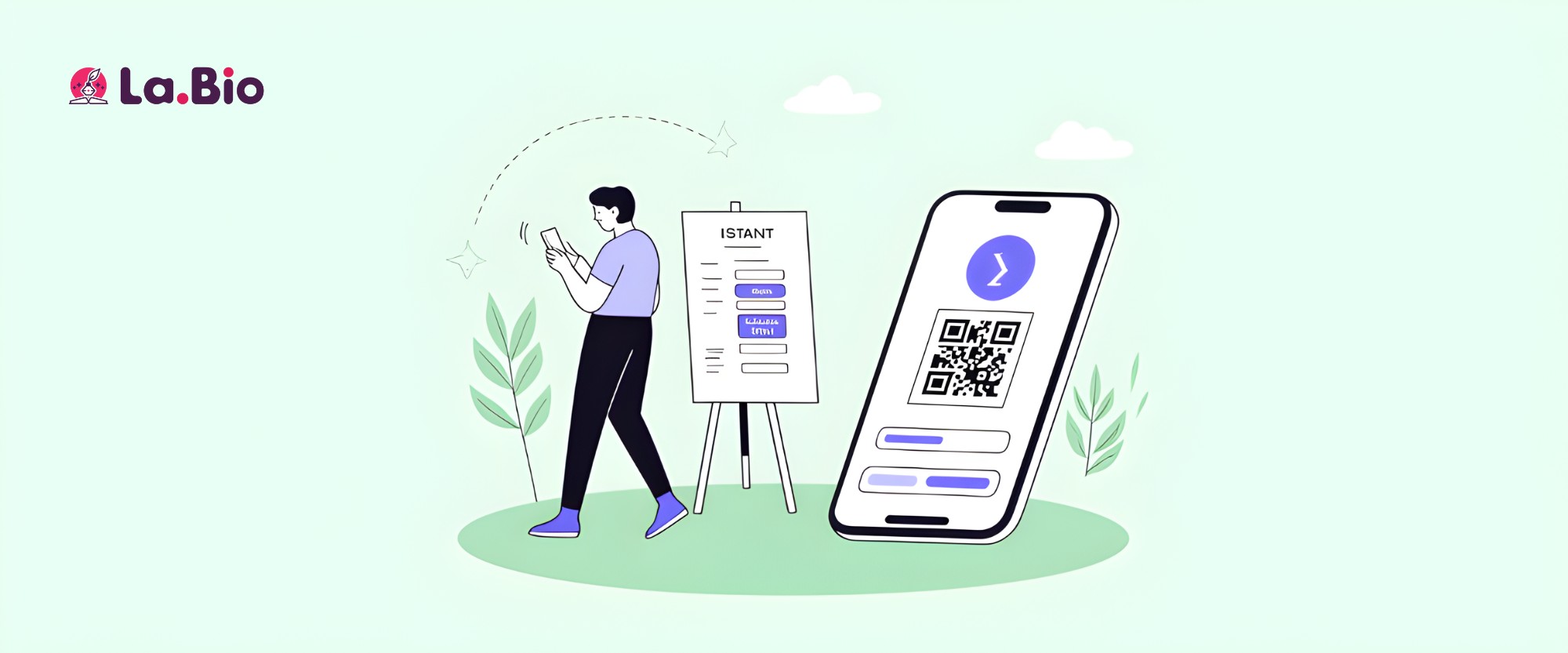
While your Bio Link is the digital brain of your event, QR codes for events are the nervous system that connects that brain to the physical world. They bridge the gap between your printed materials and your digital Event Hub, creating a seamless "phygital" experience.
Used correctly, they eliminate friction at every touchpoint of the attendee journey. Here is how to deploy them effectively:
1. On Invitations & Posters: The "Instant Action" Bridge
Paper invitations and flyers are great for awareness, but they are terrible for conversion—unless you add a QR code. Don't just print a URL that people have to type out. Place a dynamic QR code on your flyers and mailers that leads directly to your digital invitations and registration page.
The Benefit: You can track exactly how many scans came from your posters versus your flyers, giving you real data on your offline marketing ROI.
2. At the Venue Entrance: Queue Busting & Wayfinding
The first 15 minutes of an event are often the most chaotic. Place large, scannable QR codes on easels at the entrance.
For Tickets: "Need a Ticket? Scan Here." (Directs to the Eventbrite widget).
For Schedules: "View Today's Program." (Directs to the PDF schedule).
This prevents bottlenecks at the information desk and empowers attendees to self-serve.
3. On Name Badges: The Networking Revolution
Forget carrying stacks of business cards that end up in the trash. Smart event planners are now printing unique vCard QR codes directly on attendee name badges.
How it works: When Attendee A meets Attendee B, they simply scan each other's badges. The contact information (Name, Company, Email, LinkedIn) is instantly saved to their phone’s contacts. It’s sustainable, modern, and highly appreciated by networking professionals.
4. For Session Feedback: capturing Insights While They're Fresh
Asking for feedback via email three days after the event results in low response rates. Instead, place a QR code at the exit of every conference room or on the final slide of a presentation.
The Strategy: Link it to a quick Typeform or Google Form. "Scan to rate this session." Capturing sentiment immediately yields higher quality data for your future planning.
Technical Note: When printing QR codes on large banners or tiny badges, format matters. A blurry code is a useless code. Using the right file type is essential for scannability. Learn the crucial difference between vector (SVG) and raster (PNG) files in our deep dive: [The Ultimate Guide to Generating QR Codes].
Conclusion
Event planning will always be a high-pressure job, but it doesn’t have to be chaotic. By moving away from scattered spreadsheets and static paper guides, and embracing a centralized Event Hub, you regain control.
Integrating a smart link in bio for events with a strategic QR code deployment plan does more than just save you time. It elevates the perception of your brand, giving attendees the polished, tech-forward experience they expect in 2025.
Your content is organized. Your attendees are informed. Your sponsors are visible.
Ready to upgrade your event logistics?
Stop Managing Chaos. Start Creating Experiences. Build Your Free Event Hub Today!