


Quick Answer: To create a crypto QR code, log in to La.Bio and click 'Create QR'. Select the 'Cryptocurrency' option under the Dynamic QR section. Choose your coin (Bitcoin, Ethereum, or Bitcoin Cash), paste your wallet address, and click 'Generate'. You can now receive payments error-free.
For freelancers, traders, and modern businesses, asking a client to pay in cryptocurrency can often feel stressful. You find yourself asking the same anxious questions every time: "Did I copy the address right?" or "What if they mistype a character?"
The stakes in the blockchain world are incredibly high. Unlike a bank transfer, there is no customer support hotline to reverse a transaction. A single wrong character in a wallet address (like typing a "B" instead of an "8") results in the permanent loss of funds.
The solution to this anxiety is simple: don't rely on text. Using a qr code for crypto wallet addresses transforms that long, complex string of random characters into a secure, scannable image. It creates a "Point and Pay" experience for your clients, ensuring the destination address is pre-filled perfectly every time, with zero risk of human error.
Why You Should Never Share Wallet Addresses as Text
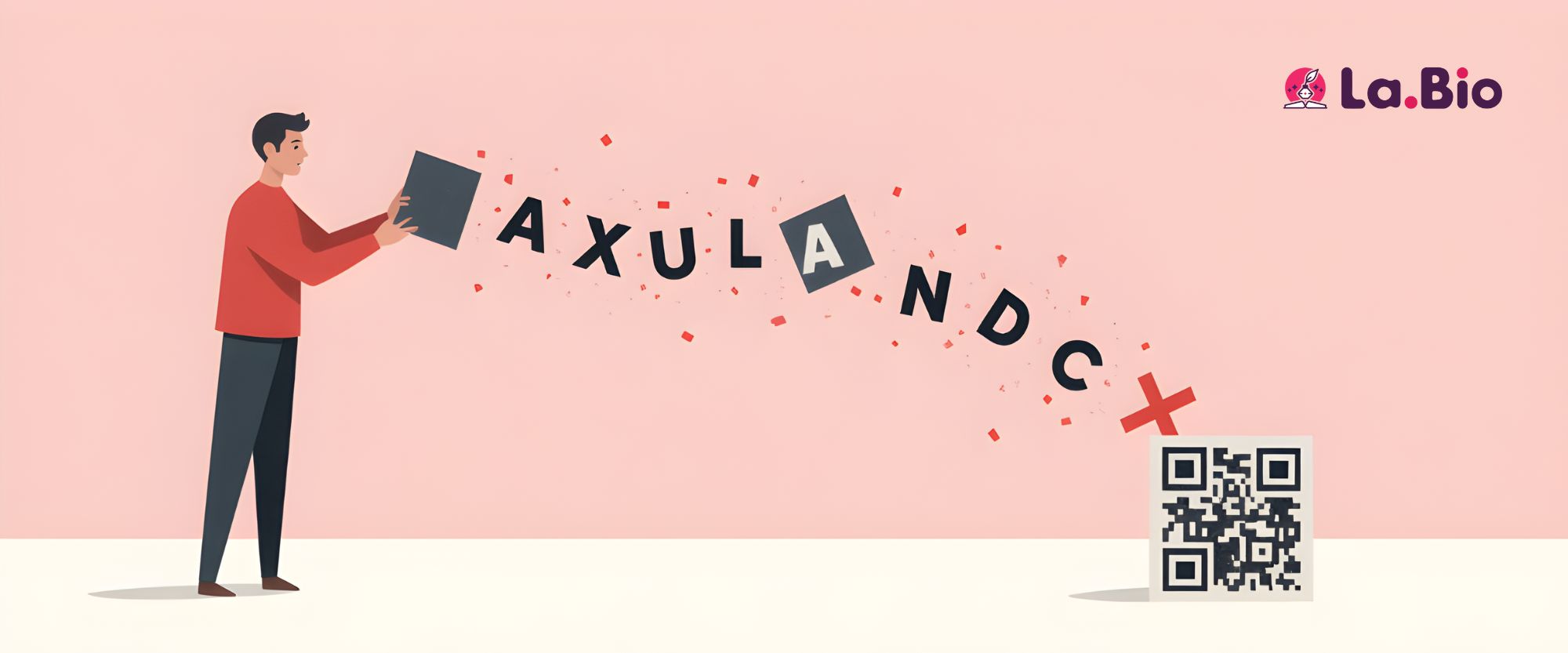
Sharing your public key as raw text is a relic of the early crypto days. Today, relying on copy-pasting poses significant risks to security, user experience, and your brand reputation.
User Experience: Friction Kills Conversions
Trying to copy-paste a 42-character alphanumeric string on a smartphone is incredibly frustrating. Selection handles on touchscreens are imprecise; it is easy to accidentally miss the first or last character of the string. If you want to receive crypto payments quickly, forcing your client to fiddle with tiny text fields creates unnecessary friction and annoyance.
Security: The Threat of Clipboard Hijacking
This is the most critical reason to switch to visual codes. "Clipboard Hijackers" are a specific type of malware that monitors a device's clipboard. When a user copies a crypto address, the malware detects the specific format and instantly swaps it with the hacker's address in the background. When the user pastes it, they paste the thief's address without realizing it. A secure crypto transfer via QR code bypasses the clipboard entirely, significantly reducing this specific attack vector.
Professionalism: Legitimacy vs. Shadiness
Sending a raw string of random characters (e.g., 0x71C...) via DM or email can look suspicious, especially to clients who are new to cryptocurrency. It often resembles spam or a phishing attempt. Conversely, presenting a branded QR code—perhaps with your logo in the center—looks like a legitimate payment gateway. It signals that you are a professional business with a standardized method to accept funds.
Step by Step - Generating Your Crypto QR Code
Creating a professional payment portal for your digital assets takes less than two minutes. Follow this specific workflow to turn your raw wallet address into a scan-ready image.
Step 1: Start
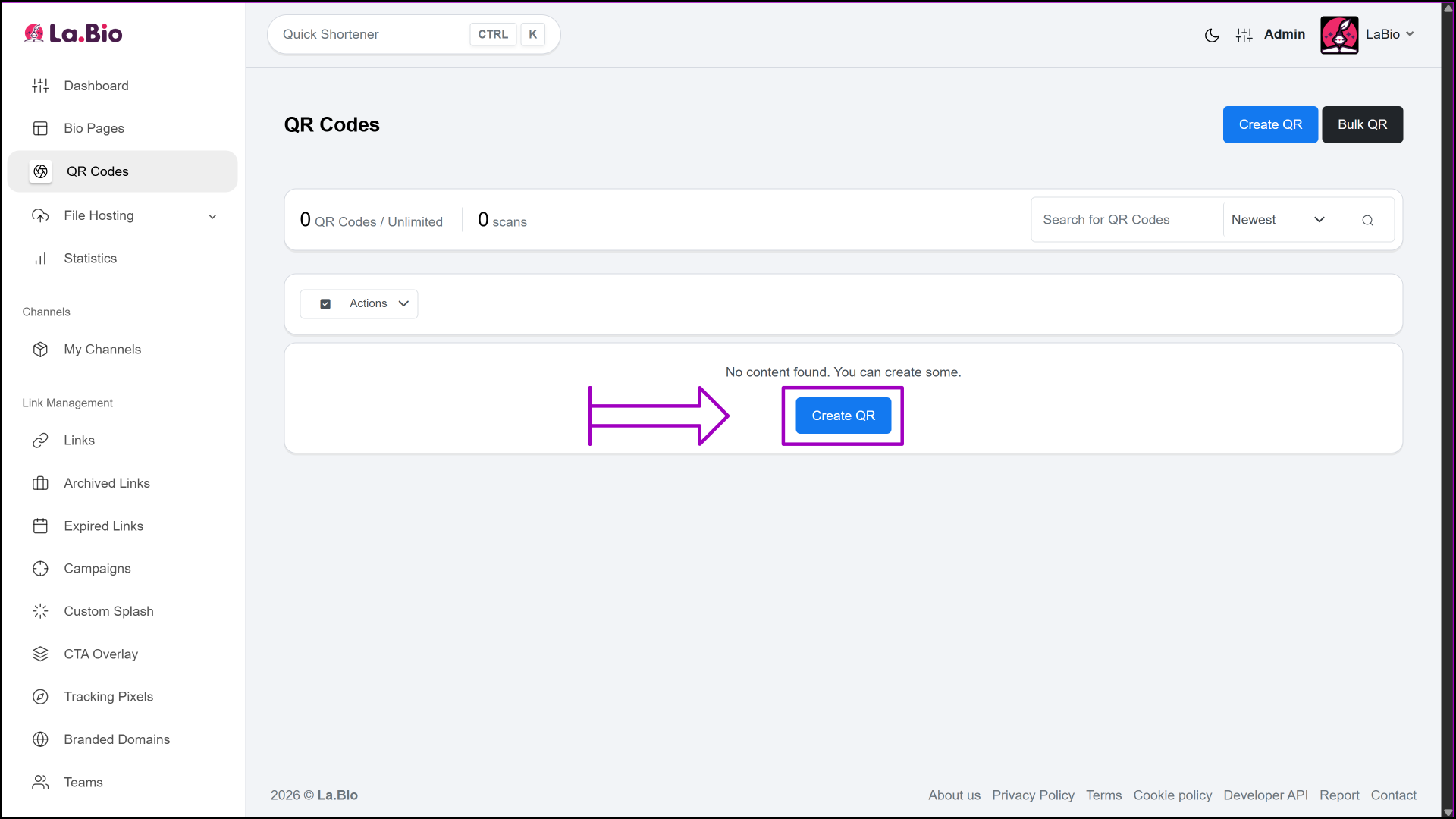
Log in to your [La.Bio] dashboard. On the main overview screen, simply click the "Create QR" button to begin the setup.
Step 2: Configure
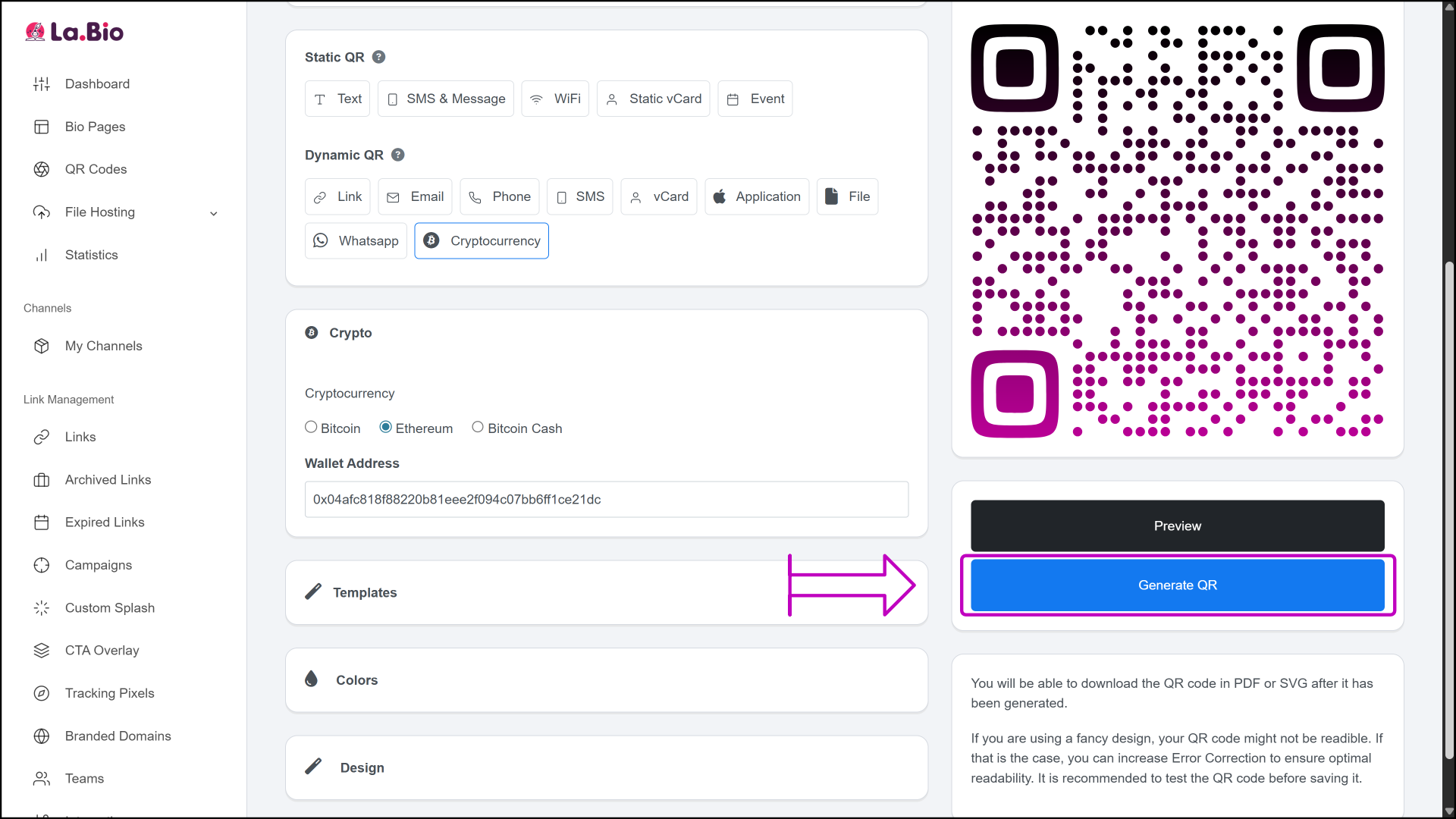
You will be taken to the configuration screen where the setup happens in one streamlined view:
Name: Give your QR code a recognizable label (e.g., "Main ETH Wallet" or "Consulting Invoice #001").
Type: Navigate to the Dynamic QR section and select the "Cryptocurrency" option. Using a dynamic code is smart because it allows you to track scans later.
Details: First, select your specific coin from the dropdown list (Bitcoin, Ethereum, or Bitcoin Cash). Next, carefully paste your wallet address into the destination field. Optional: You can also input a preset amount if you are requesting a specific payment value.

Step 3: Customize Design
Move to the 'Colors' and 'Design' tabs to brand your code.
Pro Tip: To prevent network errors, upload the official logo of the currency (e.g., the Bitcoin "B" or the Ethereum Diamond) to the center of the QR code. This gives the payer an immediate visual cue regarding which network to use, ensuring they don't accidentally send BTC to an ETH address.

Step 4: Generate
Once you are satisfied with the look and the data, click the "Generate" button. Your code is now ready to download and share.
Creative Ways to Accept Crypto
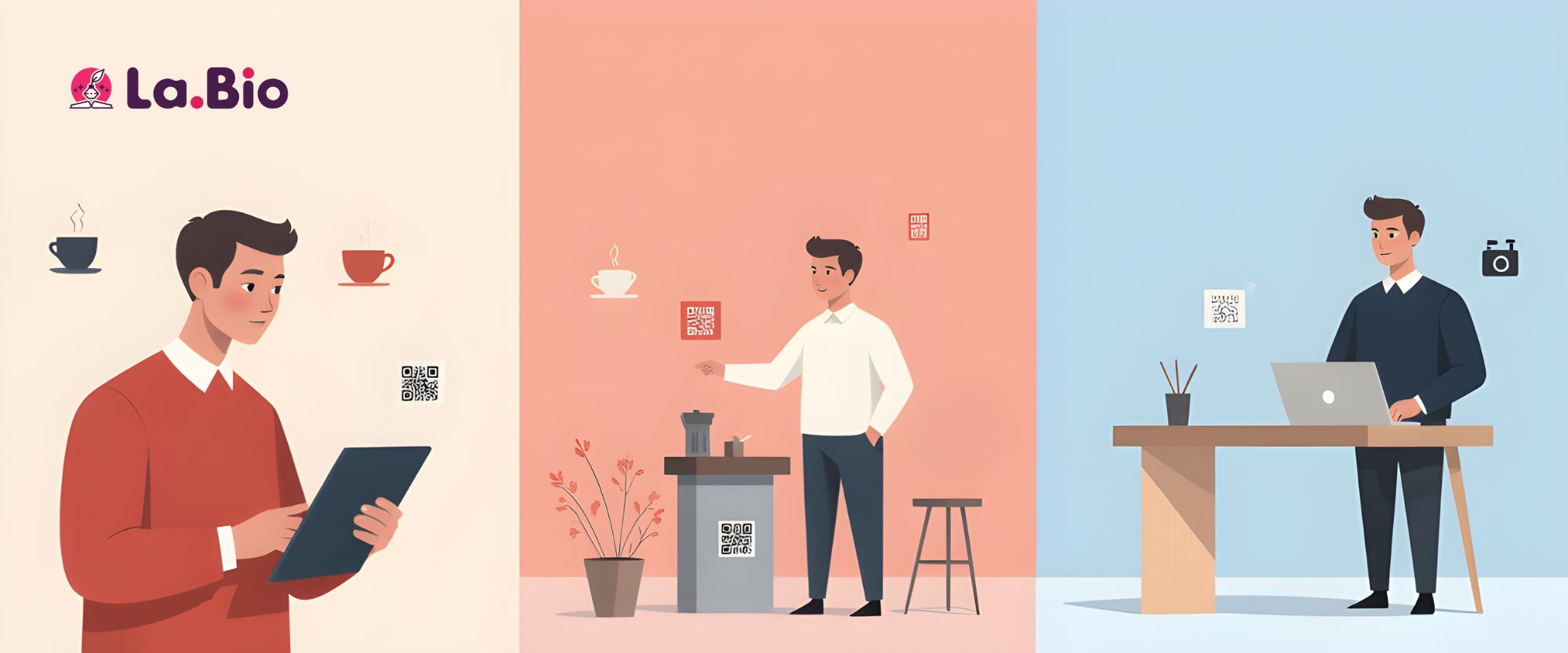
Once you have generated your code, it isn't just a static image—it is a versatile tool for getting paid across different environments. Here is how you can integrate your bitcoin qr code generator results into your daily business operations:
For Freelancers & Contractors
Add your crypto QR code directly to your PDF invoices, right next to your traditional bank transfer details. This gives international clients a seamless way to pay you instantly, avoiding the high fees and multi-day delays often associated with cross-border wire transfers.
For Streamers & Content Creators
If you rely on donations, friction is the enemy. Display your QR code on your stream overlay or in your "About" section. Viewers can scan the screen with their phone and donate in seconds without ever closing your stream.
For Physical Retailers
Print your QR code and place it at your Point of Sale (POS) or cash register. It serves as a modern, contactless payment terminal that requires no expensive hardware—just a piece of paper or a stand.
Consolidate Your Payments
While accepting crypto is a great step forward, your clients likely use a mix of payment methods. If you want to create a central hub for all your payment methods (Crypto + PayPal + Venmo), you should create a bio link page. This allows you to host your crypto QR codes alongside your standard fiat payment links in one professional, shareable profile.
Frequently Asked Questions
Q: Is sharing my crypto QR code safe?
A: Yes, absolutely. The QR code only contains your public wallet address. It functions like a bank account number (IBAN); people can use it to deposit money into your account, but they cannot use it to withdraw funds or access your private data.
Q: Which coins are supported?
A: Currently, [La.Bio] supports the major cryptocurrencies used for global payments: Bitcoin (BTC), Ethereum (ETH), and Bitcoin Cash (BCH). Using these major networks ensures you have the widest compatibility with your clients' wallets.
Q: Can I change the address after printing the code?
A: If you selected the "Dynamic QR" option during setup, yes. You can update the destination address in your dashboard without changing the physical pattern of the QR code. This is perfect if you change wallet providers but don't want to reprint your marketing materials.
Conclusion
Integrating cryptocurrency into your business or freelance workflow shouldn't be a source of anxiety. By moving away from manual text entry and adopting scannable technology, you protect yourself from the most common cause of lost funds: human error.
Crypto payments should be fast, borderless, and stress-free. Don't leave the safety of your hard-earned money to chance or a typo.
Start accepting Bitcoin and Ethereum securely. [Generate your Crypto QR Code now] with La.Bio.
Warning: While QR codes eliminate typing errors, you should always practice standard security hygiene. Always double-check the first and last few characters of the address displayed on the sender's screen after scanning, before confirming the transaction.*







