


Quick Answer: To create a QR code for a video, first upload your video to YouTube and copy the URL. Log in to La.Bio, click 'Create QR', and select the 'Link' icon under Dynamic QR. Paste your YouTube URL. If you have a short video file (under 10MB), you can use the 'File' option instead. Generate and print on your packaging.
Let's face it: nobody sits down to read the fine print of a paper user manual anymore. In today's visual-first market, "Unboxing" videos and "How-to" visual guides are how customers prefer to learn. Whether you are an Etsy seller or a large-scale manufacturer, the reality is that thick paper manuals are expensive to print and often end up in the trash.
Smart brands are adapting to this behavior by putting a video QR code generator strategy to work directly on their boxes or inserts. A simple QR code with a call-to-action saying "Scan for Video Tutorial" creates an immediate, modern connection with your buyer.
The benefit goes beyond just looking modern. By providing a clear, instant way to link video to QR code packaging, you significantly reduce customer support calls and product returns. When customers can instantly watch a video on how to assemble or use your product, they are less likely to get frustrated and more likely to leave a positive review.
Step-by-Step: Converting a Video URL to QR Code
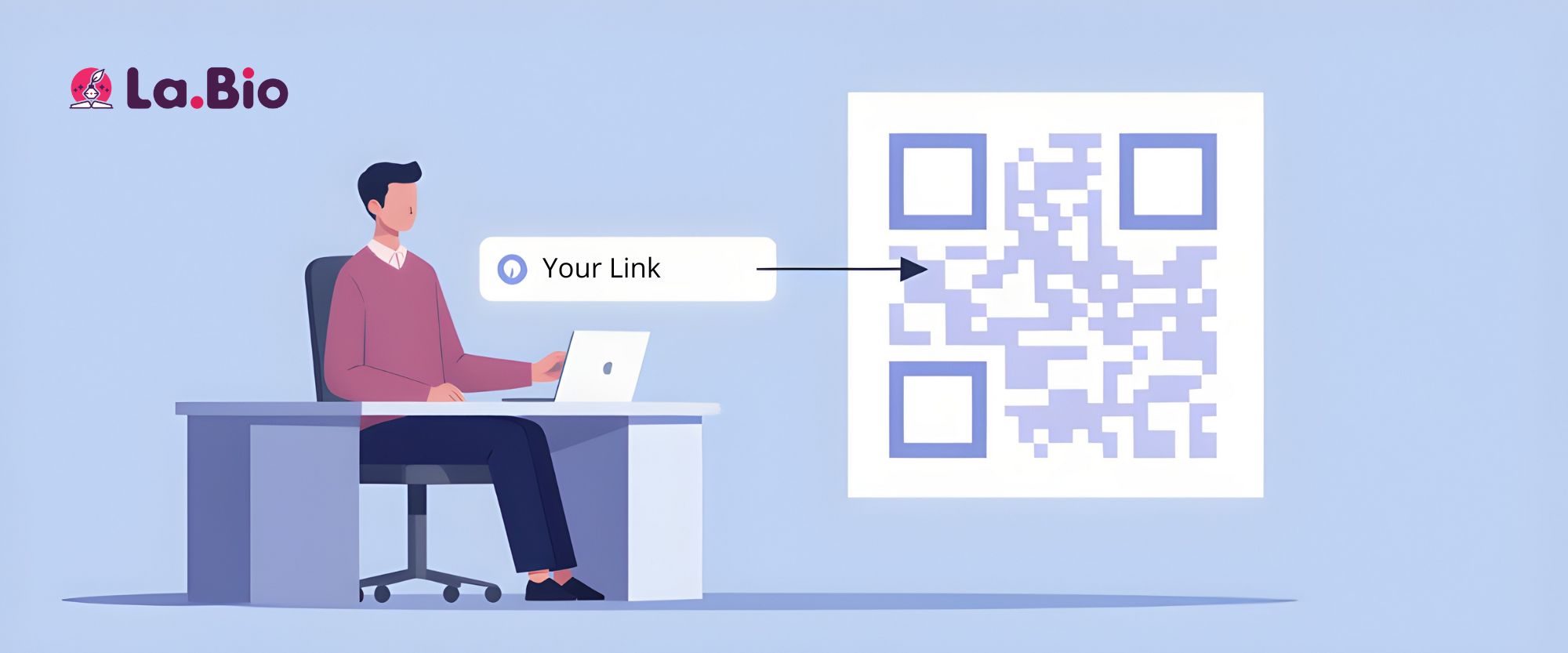
This is the gold standard for sharing video content. If you have a detailed product assembly guide or a high-definition unboxing video, you should not upload the raw file directly. Video files are heavy and slow to load on mobile data. By using YouTube or Vimeo, you leverage their powerful streaming servers, ensuring your customers experience instant playback in HD without buffering.
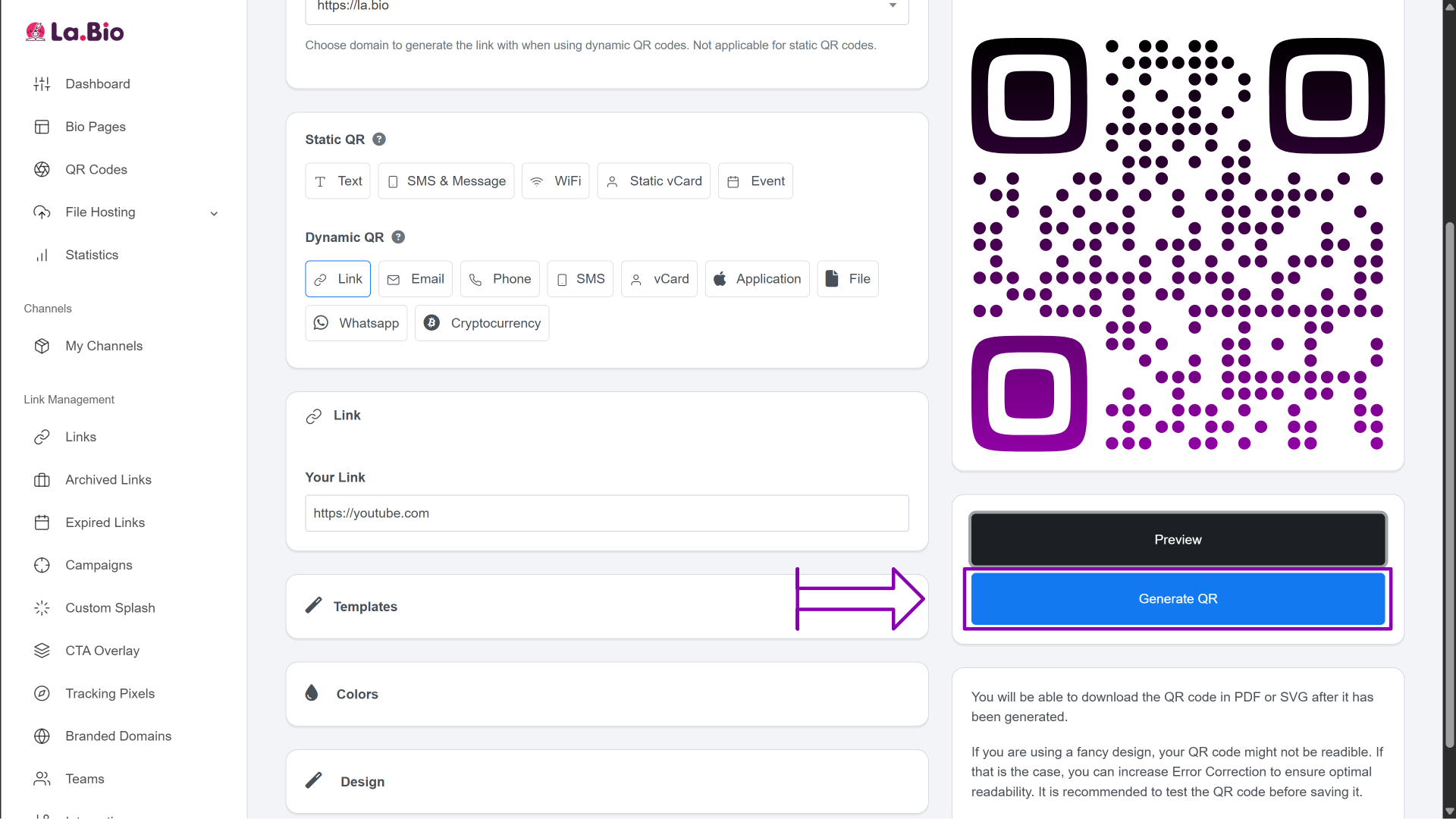
Here is how to create a youtube to qr code in 5 simple steps:
Get the Link: Go to YouTube or Vimeo, find your specific video, and copy the full URL from the browser address bar or the "Share" button.
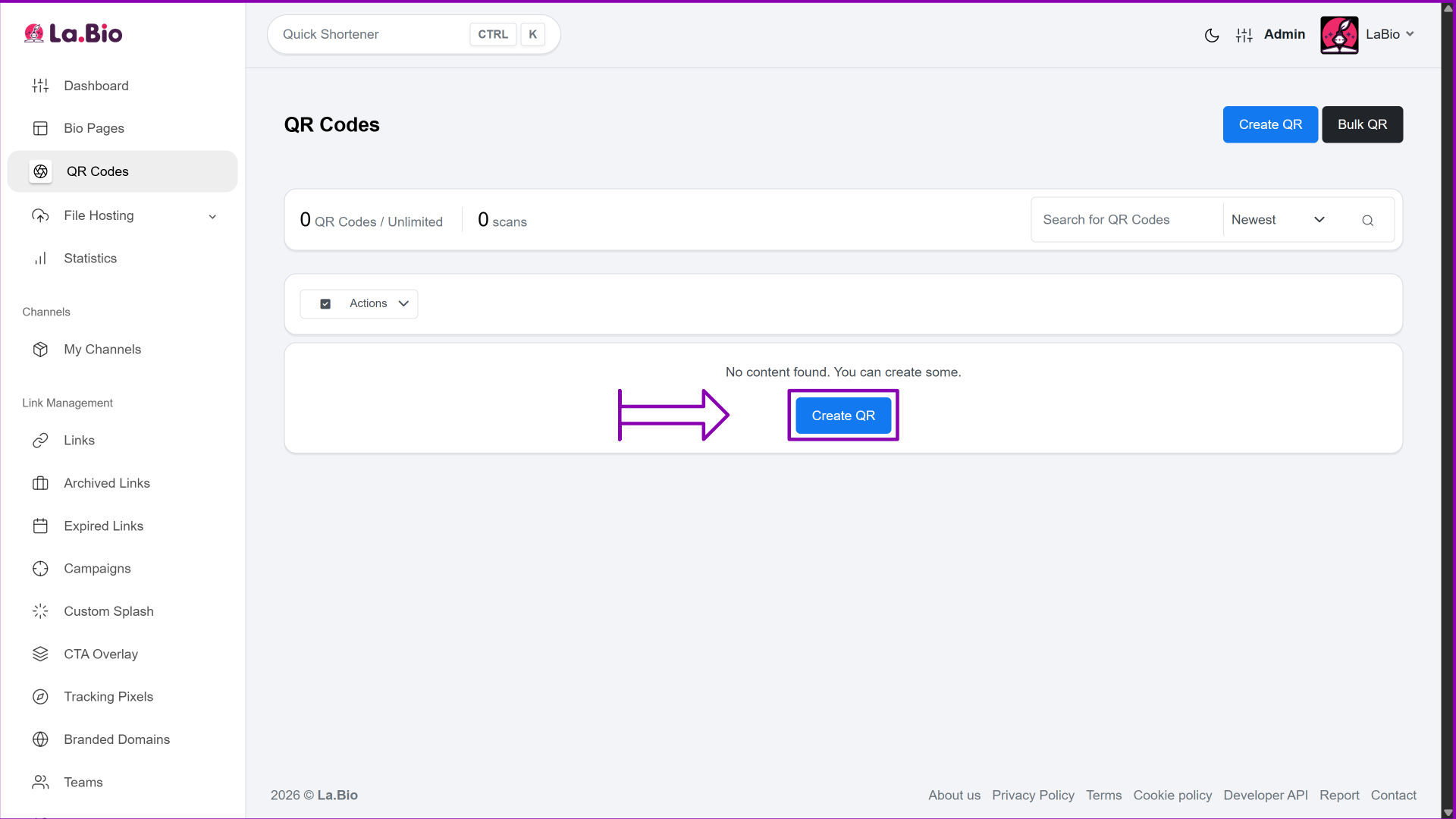
Start: Log in to your [La.Bio] dashboard and click the Create QR button.
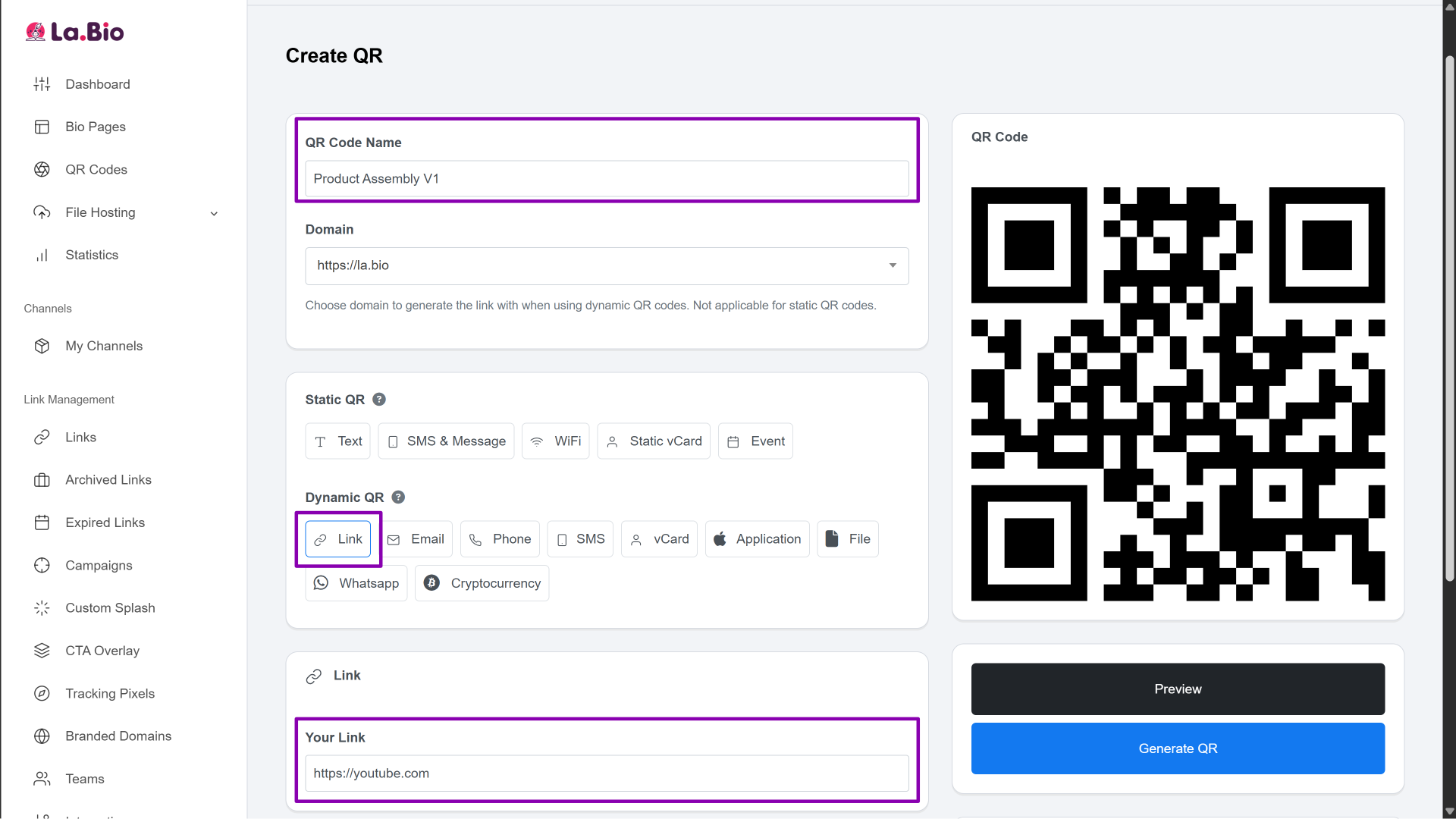
Configure: Give your QR code a recognizable name (e.g., "Product Assembly V1"). Then, locate the Dynamic QR section, select the Link option, and paste your video URL into the field.
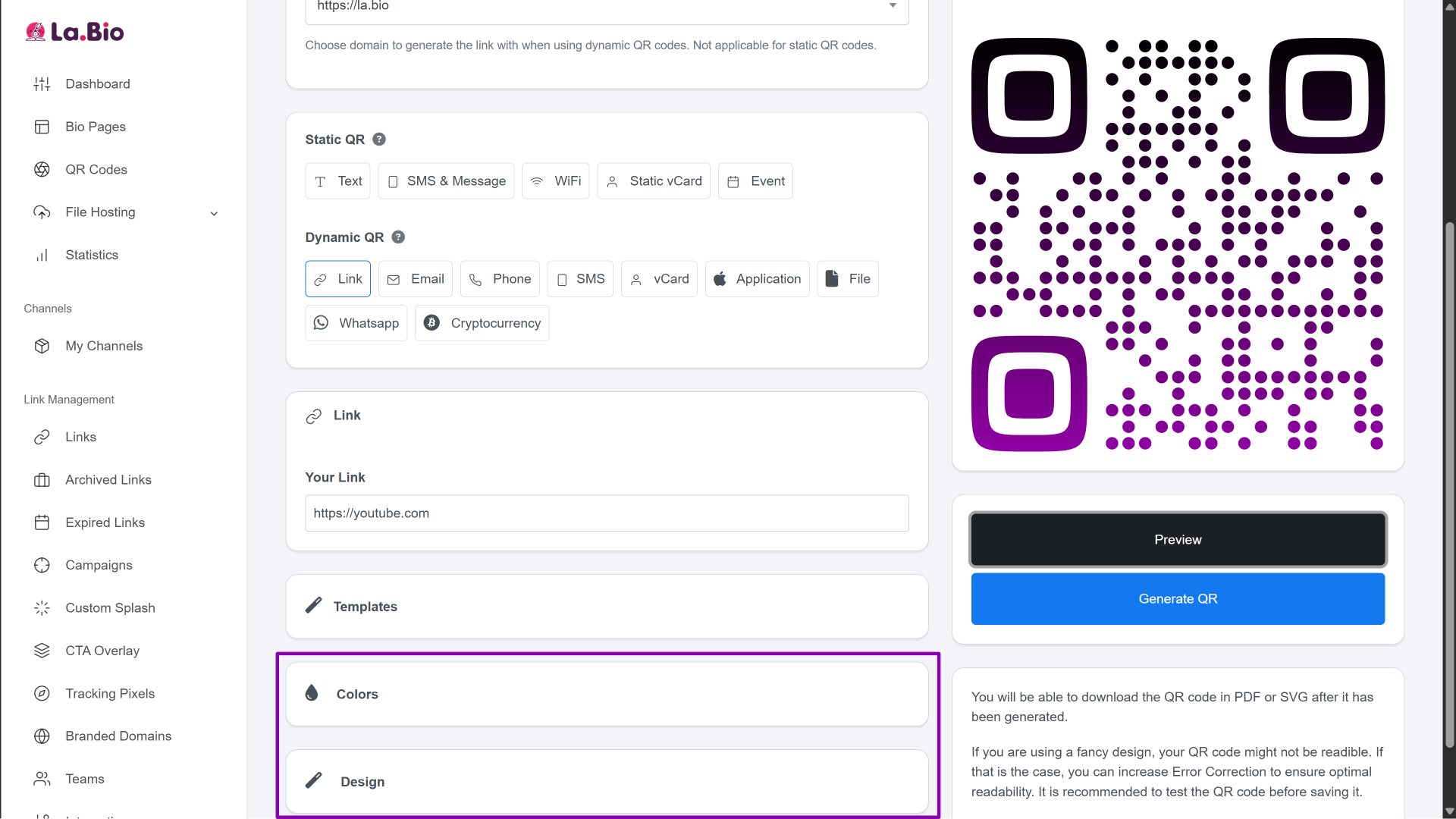
Customize (Optional): Switch to the Design tab to change the QR code’s color or style to match your brand identity.
Download: Click Generate QR to create your code and download the image for your packaging.
How to Use Raw MP4 Files (Google Drive Method)
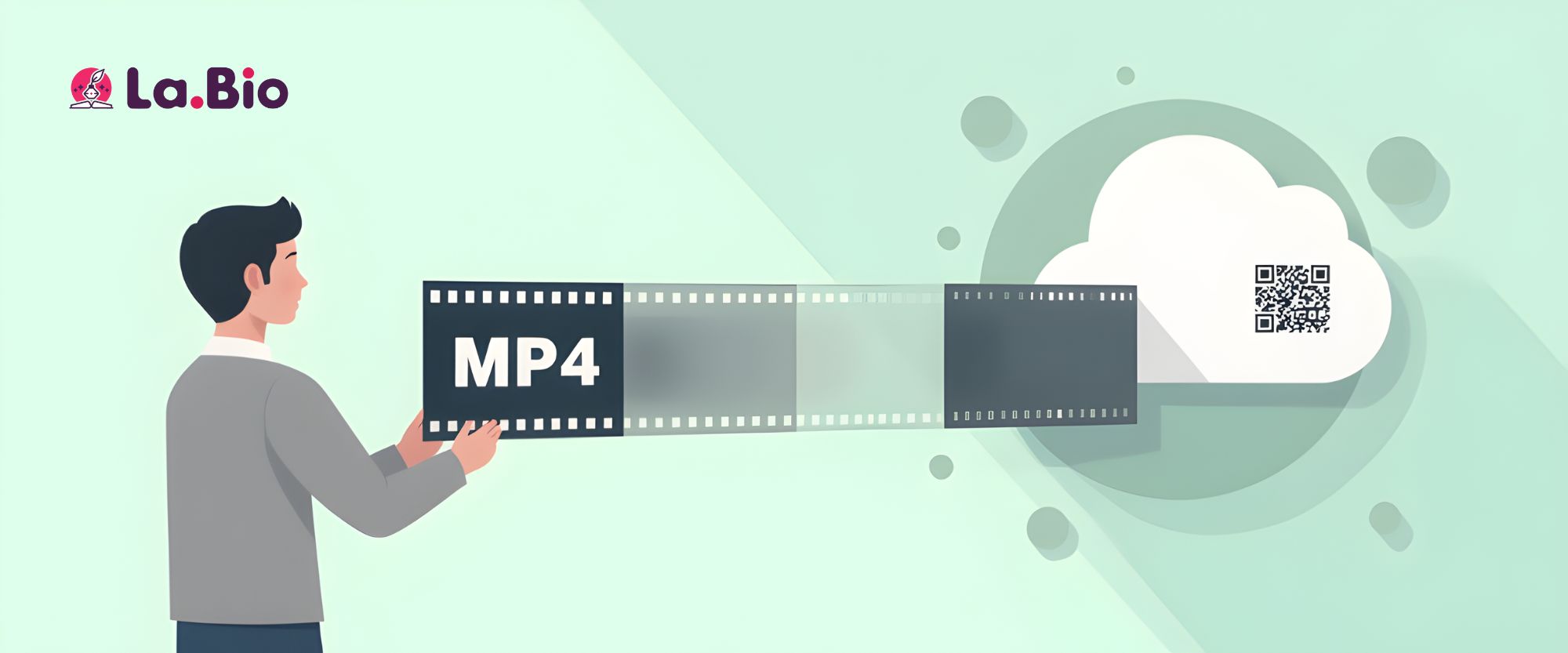
If you have a video file but prefer not to upload it to public platforms like YouTube or Vimeo—perhaps for internal training or exclusive content—you can use cloud storage as a workaround.
Here is how to set it up:
Upload: Upload your raw MP4 video file to your Google Drive or Dropbox account.
Get the Link: Right-click the file and select Share.
Crucial Step: You must change the access settings from "Restricted" to "Anyone with the link". If you skip this, your customers will face a "Access Denied" screen when scanning.
Copy URL: Copy the shareable link provided by Drive or Dropbox.
Finish the Setup:
Once you have this link, the process on [La.Bio] is exactly the same as the Converting a Video URL to QR Code above. Simply select the "Link" option in the dashboard, paste your Google Drive URL, and generate your code.
Why You Must Use "Dynamic" QR Codes for Packaging
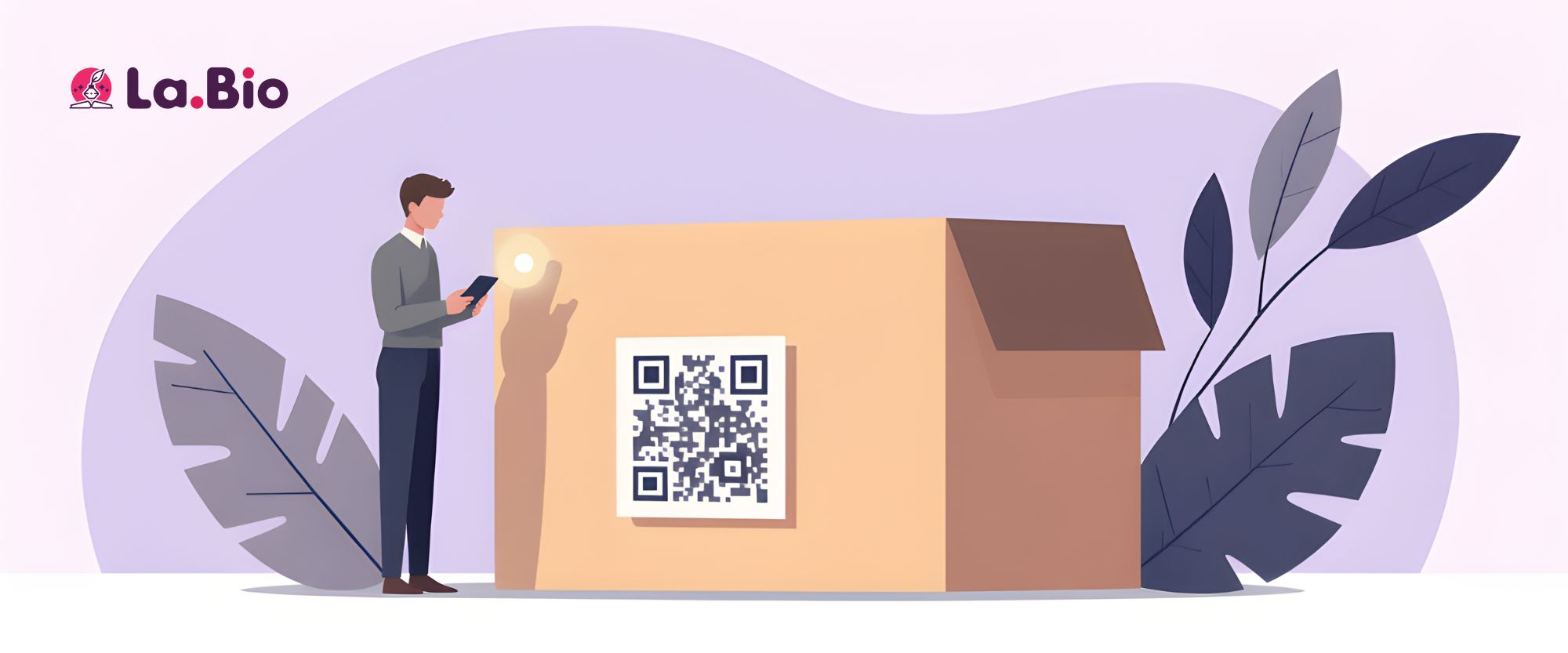
When placing a qr code on packaging, the type of code you choose can determine the lifespan of your product inventory.
Imagine this nightmare scenario: You invest thousands of dollars printing 5,000 custom product boxes featuring a QR code that links to your tutorial. A few months later, you film a higher-quality version of the video, or you accidentally delete the original upload. If you used a "Static" QR code, your packaging is effectively ruined. Static codes have the link hardcoded into the pattern; they cannot be changed once printed.
The fix is simple: always use Dynamic Video QR Codes.
With the Dynamic feature on [La.Bio], the QR code acts as a gateway that you control. If you need to update your tutorial, you simply log in to your dashboard and replace the destination URL. The physical QR code printed on your boxes remains exactly the same, but it will instantly redirect customers to your new video. This "No Reprinting Needed" capability is a massive money-saver for business owners, ensuring your packaging never becomes obsolete even if your content changes.
Creative Use Cases
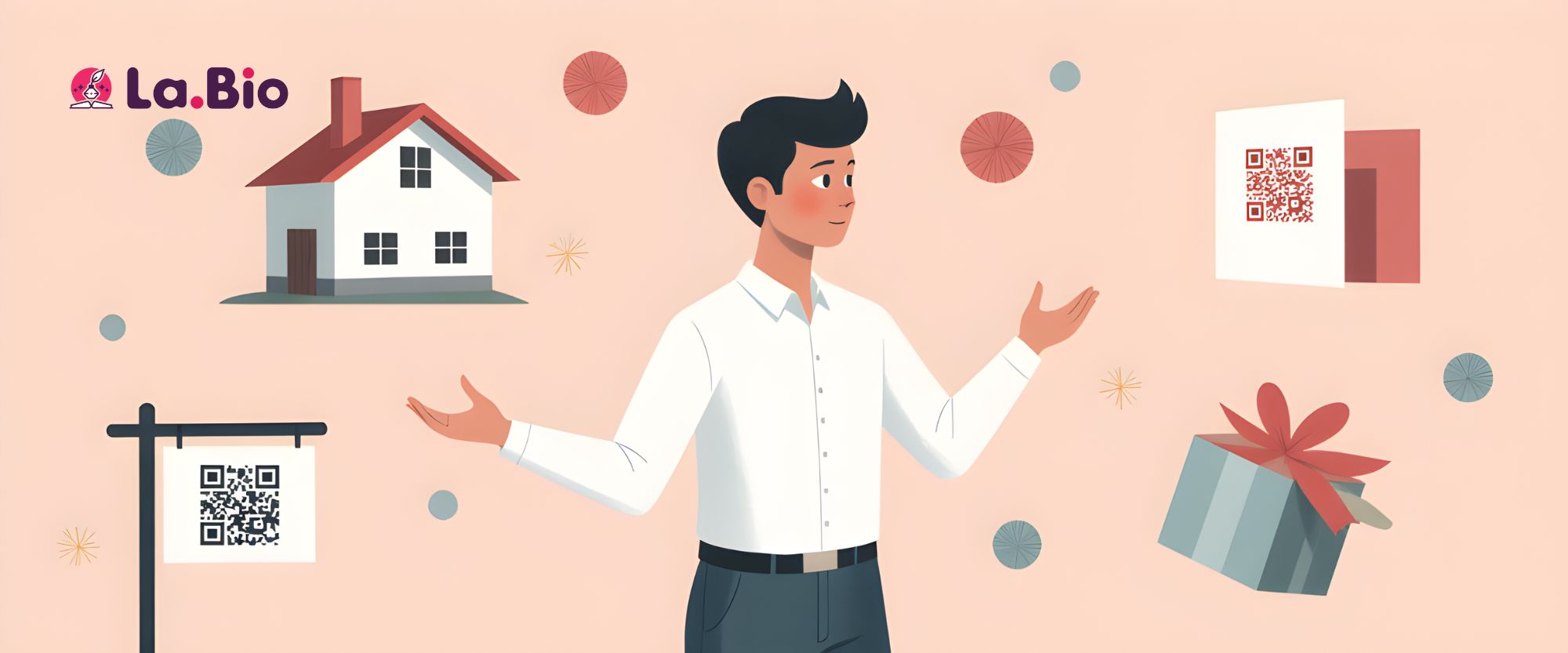
While video QR code generators are essential for product packaging, the ability to link physical items to digital video has limitless applications across different industries.
Real Estate: Agents can place a specific QR code on "For Sale" lawn signs. When a potential buyer walks by, they can scan the sign to instantly watch a full video tour of the property interior, even if the agent isn't there to show it.
Greeting Cards & Gifts: Add a personal touch to birthdays or weddings. Instead of just writing a message, print a QR code on a card that launches a personal video message or a montage of memories when scanned.
Pro Tip: If you still want to provide a written manual alongside the video, don't waste money printing thick booklets. You can [create a PDF QR code] to give your customers access to detailed written documentation, warranty info, and safety sheets directly on their phones.
Frequently Asked Questions
Q: Does the video play automatically when scanned?
A: In most cases, scanning the code will open the video in the user's default application. If you use Method 1 (YouTube), it will open the YouTube app or website and usually requires one tap to start playing, depending on the user's phone settings.
Q: Can I use this for TikTok or Instagram Reels?
A: Yes! You can create a qr code for video from social media easily. Simply copy the link to your TikTok or Instagram video and follow Method 1 (The Link Method). This is a great way to drive traffic to your social channels from your physical packaging.
Q: What happens if I want to change the video later?
A: If you used a Dynamic QR code (as recommended), you can simply log in to [La.Bio], edit the QR entry, and paste a new link or upload a new file. The original QR code on your packaging will immediately start showing the new video.
Conclusion
The days of frustrating, small-text paper manuals are over. By integrating a video QR code generator into your packaging workflow, you are not just saving money on printing costs—you are upgrading the entire customer experience.
Whether you are guiding a user through a complex assembly or simply welcoming them to your brand, video creates a connection that paper cannot match. And with the power of Dynamic QR codes, you have the flexibility to update that content whenever you want, without reprinting a single box.
Bring your packaging to life. Create a Video QR Code on [La.Bio] today.







